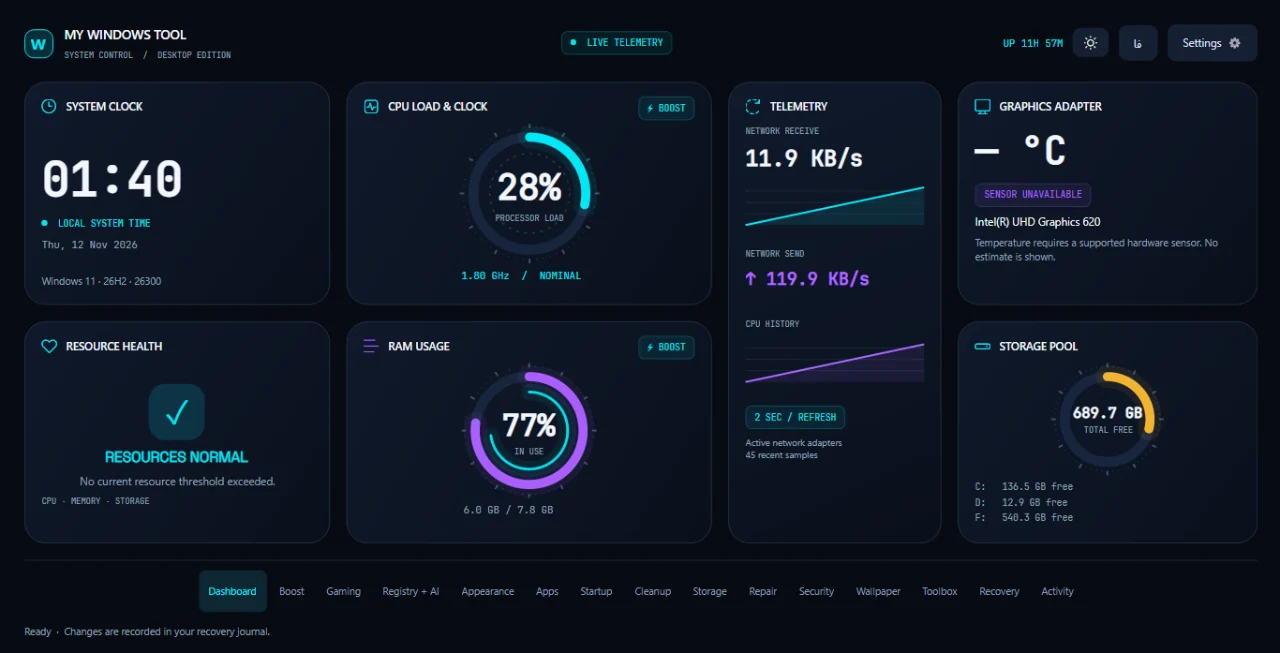
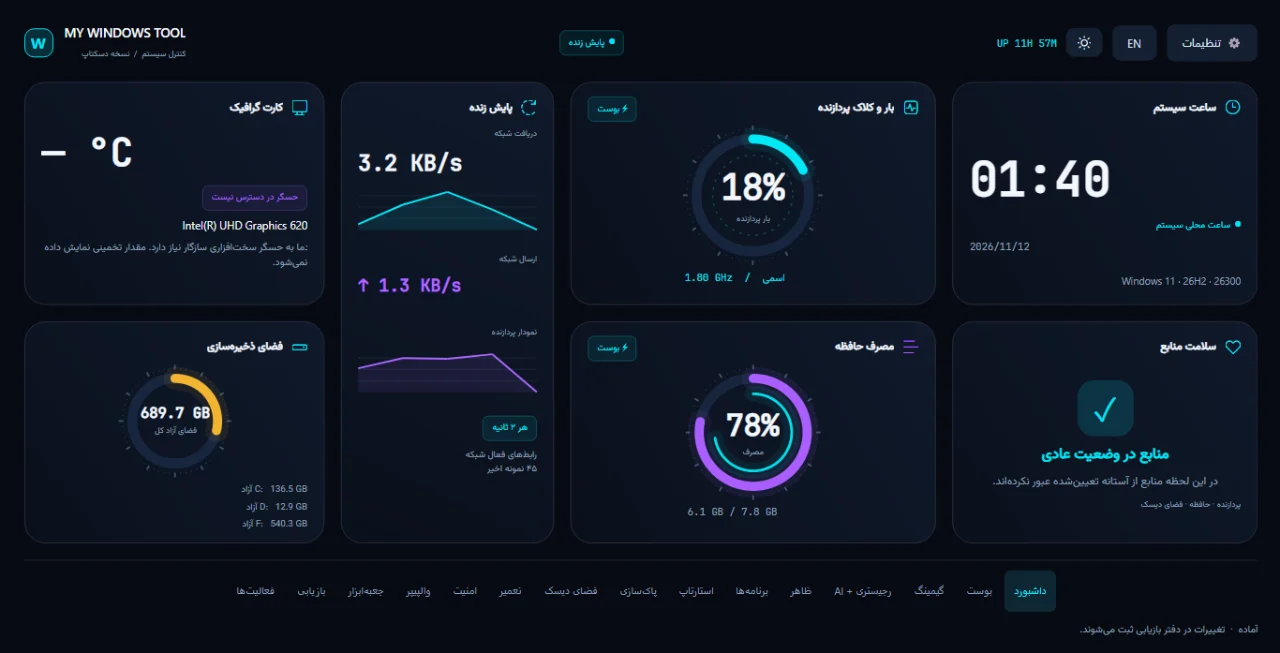
Live dashboard: processor, memory, network traffic, disk space and uptime.داشبورد زنده: پردازنده، حافظه، ترافیک شبکه، فضای دیسک و زمان روشن بودن.
Moon Platform / Windows ToolsMoon Platform / ابزارهای ویندوز

Available nowمنتشر شده
My Windows ToolMy Windows Tool
A native control centre for Windows: live system readings, memory boost, a gaming profile, cleanup, repair and settings you can put back.مرکز کنترل بومی ویندوز: وضعیت زندهٔ سیستم، بوست حافظه، پروفایل گیمینگ، پاکسازی، تعمیر و تنظیمهایی که میشود برگرداند.
Windows 10 22H2+ & 1164-bit (x64)Persian & Englishویندوز ۱۰ (22H2) و ۱۱۶۴ بیتی (x64)فارسی و انگلیسی
For Windows 10 (22H2 or newer) and Windows 11, 64-bit; .NET does not need to be installed. The app asks for administrator access once when it opens: restore points, service pauses, system-folder cleanup and DISM/SFC need it. If you decline, it opens with ordinary access and those features stay off. The installer and the app have no code-signing certificate, so Windows may show “Windows protected your PC”: choose More info, then Run anyway.برای ویندوز ۱۰ (نسخهٔ 22H2 به بعد) و ویندوز ۱۱، شصتوچهار بیتی؛ نصب .NET لازم نیست. برنامه هنگام باز شدن یکبار دسترسی Administrator میخواهد: نقطهٔ بازیابی، توقف سرویس، پاکسازی پوشههای سیستمی و DISM/SFC به آن نیاز دارند. اگر رد کنید، با دسترسی عادی باز میشود و این قابلیتها خاموش میمانند. نصبکننده و برنامه امضای دیجیتال ندارند و ویندوز ممکن است پیام «Windows protected your PC» بدهد: More info و بعد Run anyway را بزنید.
Versionنسخهٔ 1.4.2 · 2026-11-11
My Windows Tool puts what you keep opening five different windows for into one native app: what the PC is doing right now, what is slowing it down, and the Windows settings worth changing. It is drawn with real desktop controls: no browser inside and no web server.My Windows Tool کارهایی را که برایشان پنج پنجرهٔ مختلف باز میکنید در یک برنامهٔ بومی جمع کرده است: کامپیوتر همین حالا چه میکند، چه چیزی کندش کرده و کدام تنظیمهای ویندوز ارزش تغییر دارند. رابط با کنترلهای واقعی دسکتاپ ساخته شده؛ نه مرورگری داخلش هست و نه وبسروری.
Settings it changes are written down first: the original value goes into a recovery journal, and one page puts it back. Deleting files and removing apps cannot be undone, so those always ask before they run. It shows no invented performance numbers, does not overclock, and leaves Defender and Windows Update alone.تنظیمهایی که عوض میکند اول ثبت میشوند: مقدار اصلی در دفتر بازیابی میماند و یک صفحه آن را برمیگرداند. حذف فایل و حذف برنامه برگشتپذیر نیست، برای همین همیشه قبل از اجرا تأیید میخواهد. عدد ساختگی برای کارایی نشان نمیدهد، اورکلاک نمیکند و به Defender و Windows Update دست نمیزند.
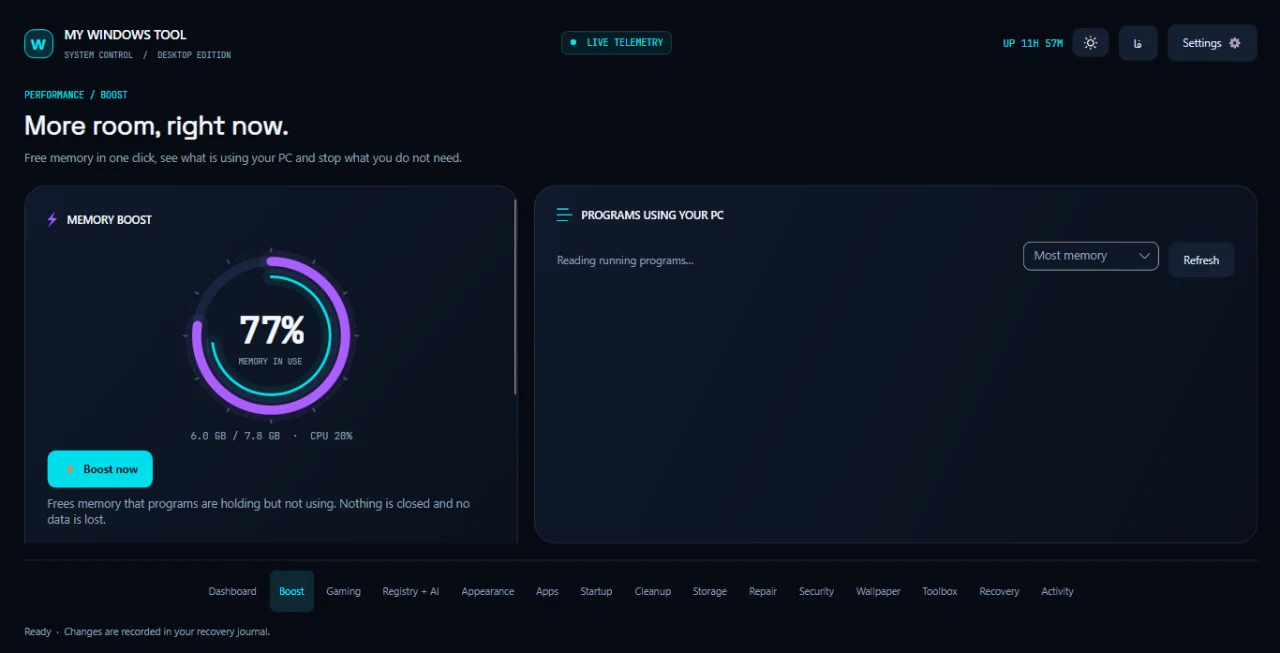
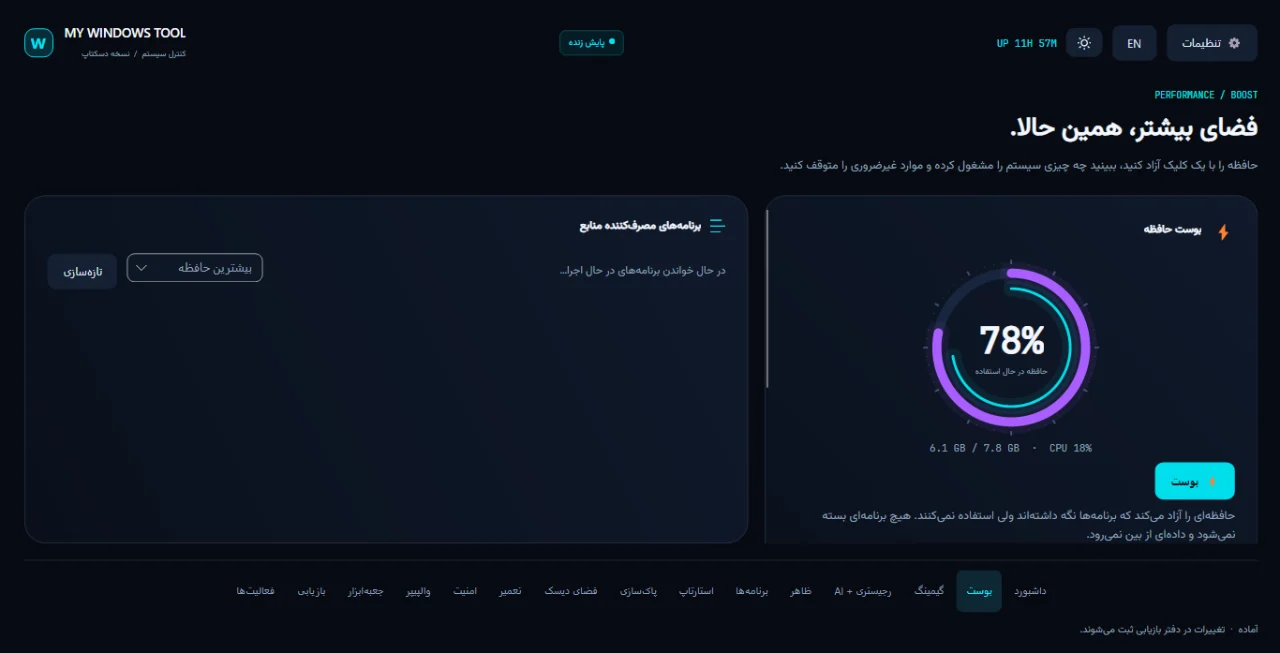
Memory boost in one click, without closing any program, and a list of what is using your PC.بوست حافظه با یک کلیک، بدون بستن هیچ برنامهای، و فهرست برنامههای پرمصرف.
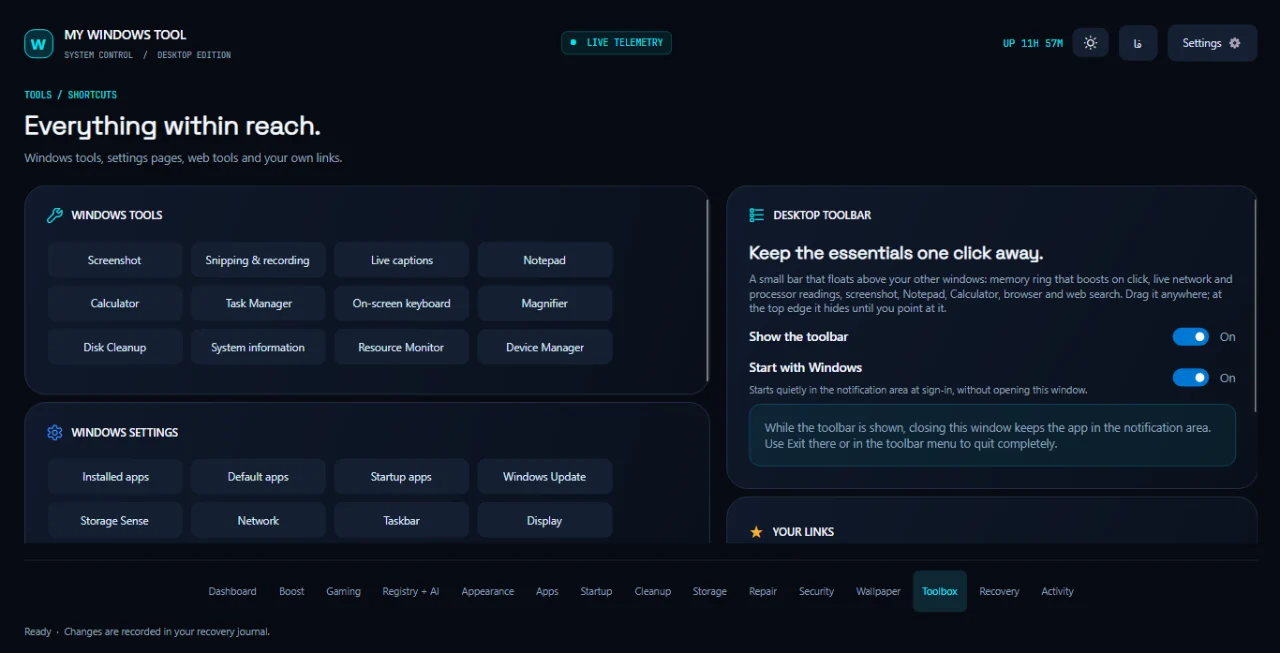
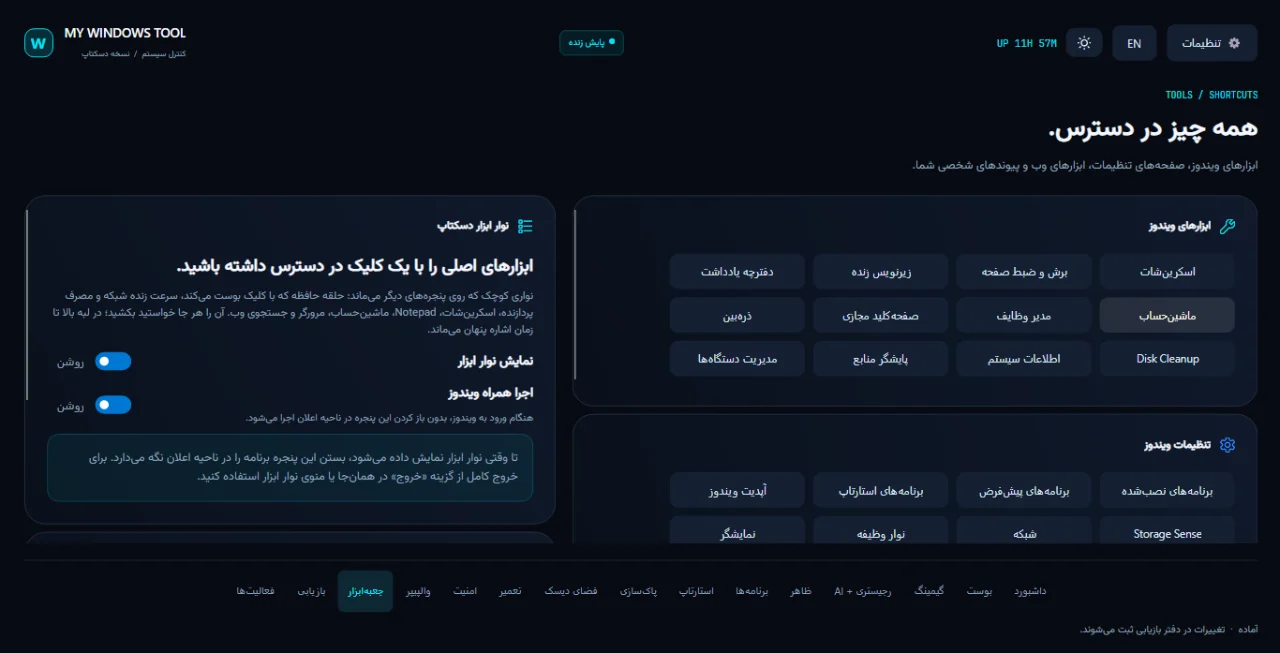
A floating desktop toolbar: memory ring, network speed, processor load, screenshot, calculator and web search. It sticks to any edge of the screen.نوار ابزار شناور دسکتاپ: حلقهٔ حافظه، سرعت شبکه، مصرف پردازنده، اسکرینشات، ماشینحساب و جستجوی وب. به هر لبهٔ صفحه میچسبد.
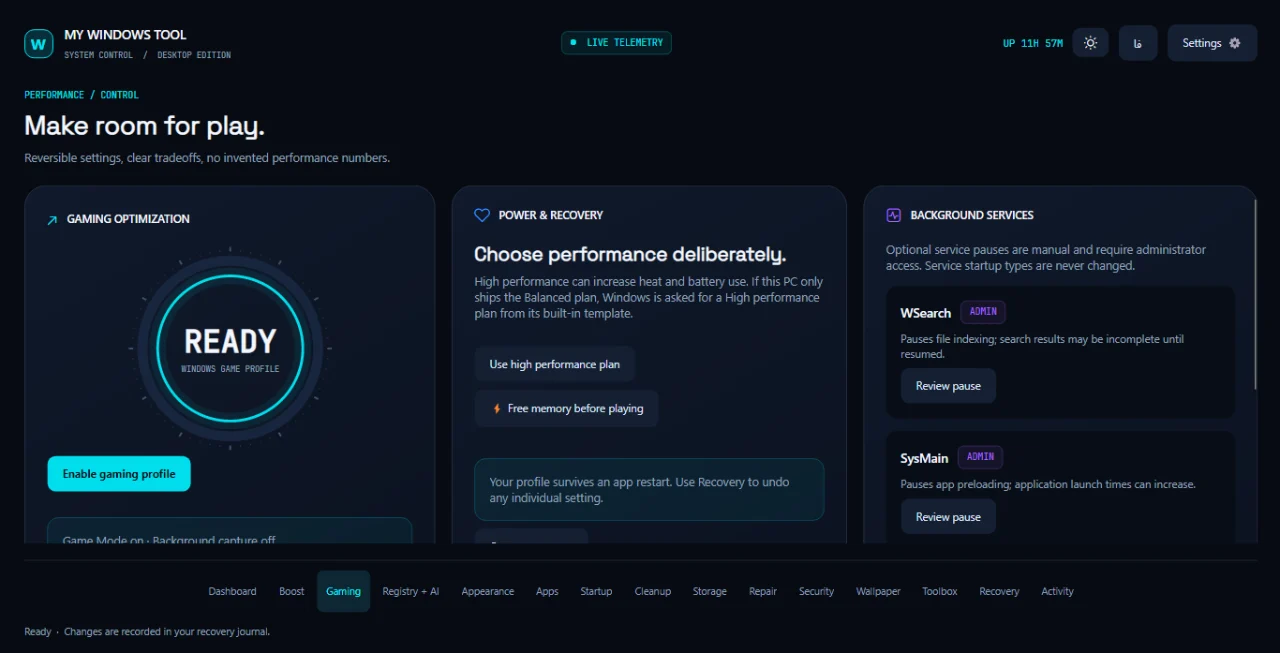
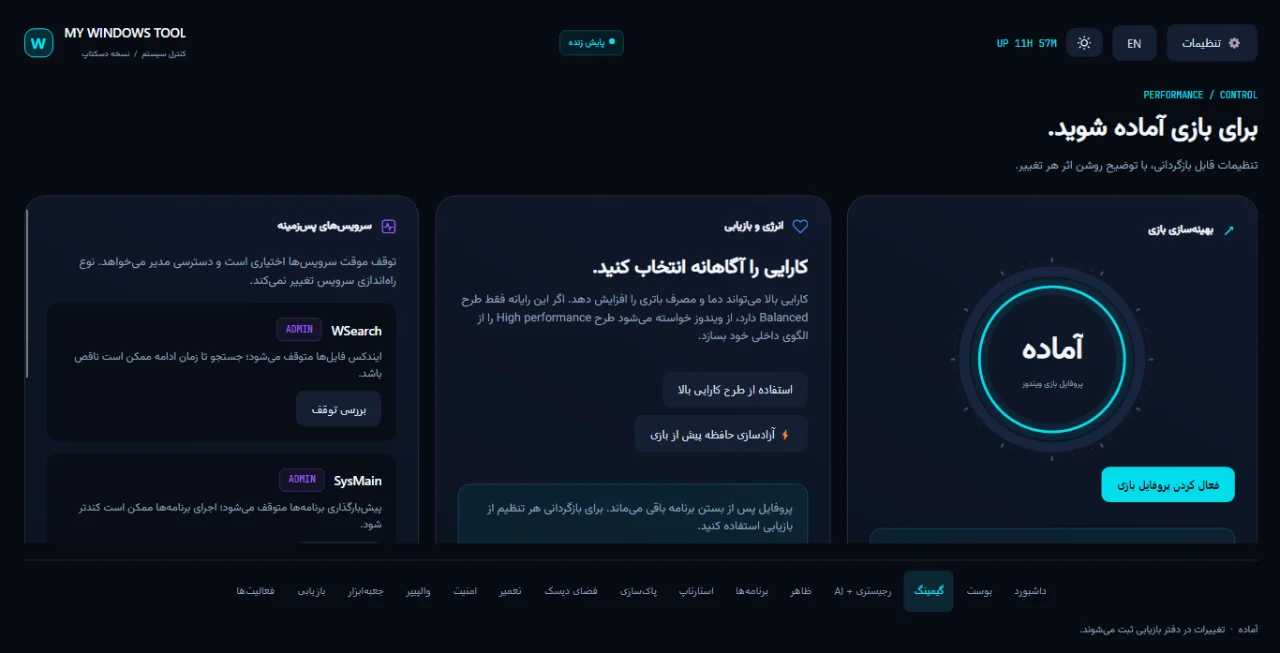
Gaming profile: Game Mode on, background capture off, the High performance plan and optional service pauses, with a way back.پروفایل گیمینگ: Game Mode روشن، ضبط پسزمینه خاموش، طرح High performance و توقف اختیاری سرویسها، با راه برگشت.
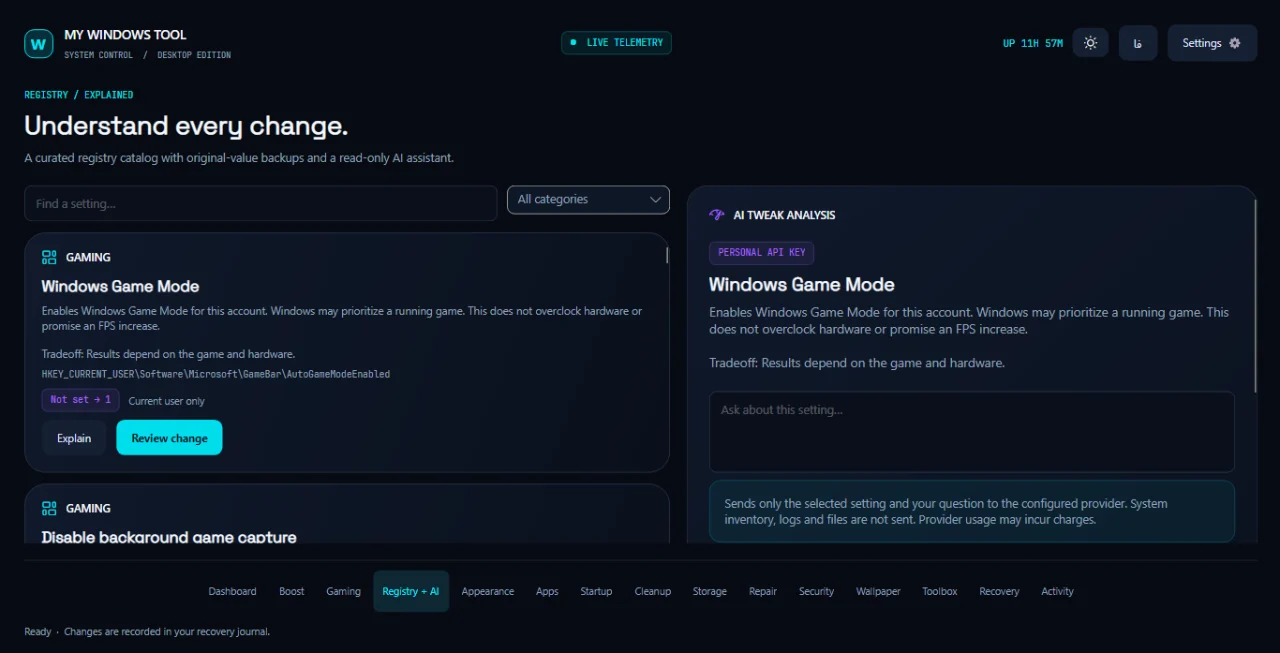
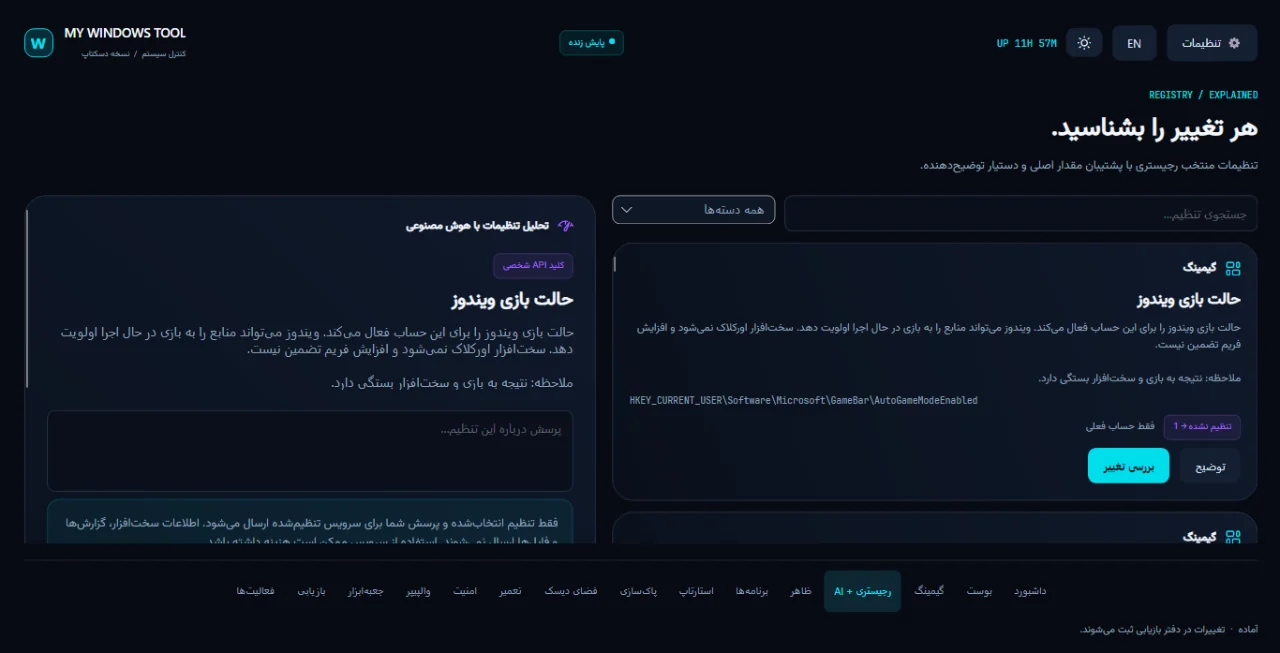
More than twenty chosen registry settings, each explained in Persian and English beneath it, with the original value kept.بیش از بیست تنظیم منتخب رجیستری، هر کدام با توضیح فارسی و انگلیسی زیر خودش و با نگهداشتن مقدار اصلی.
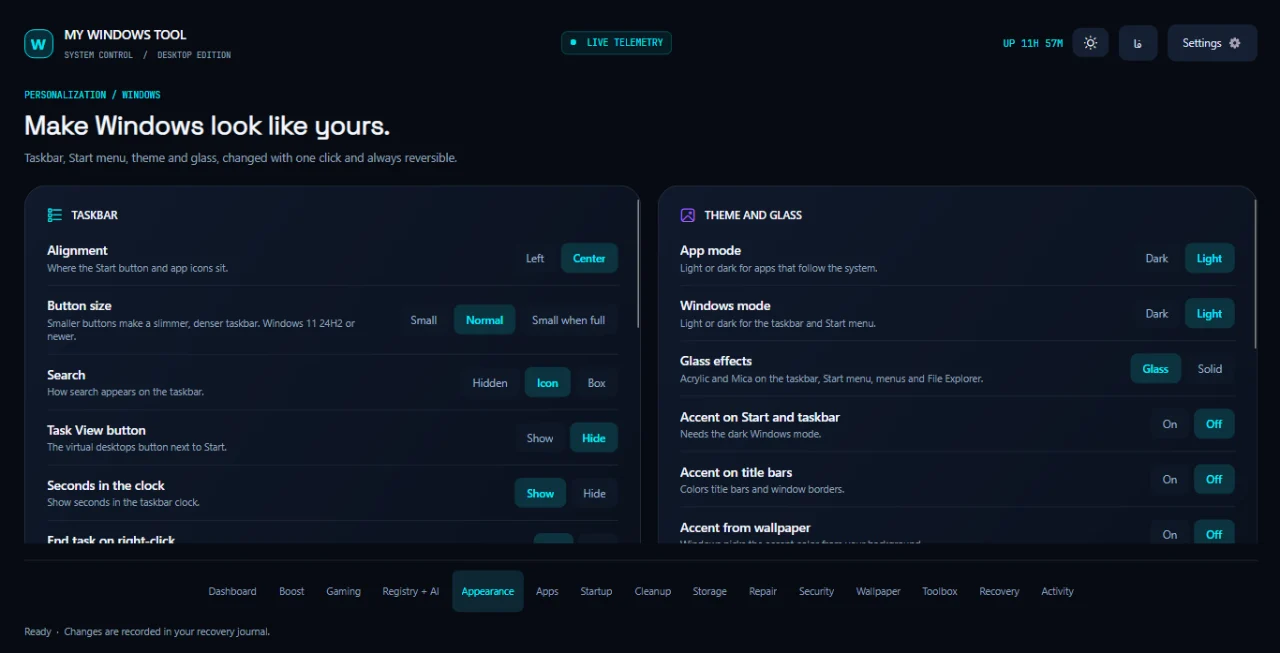
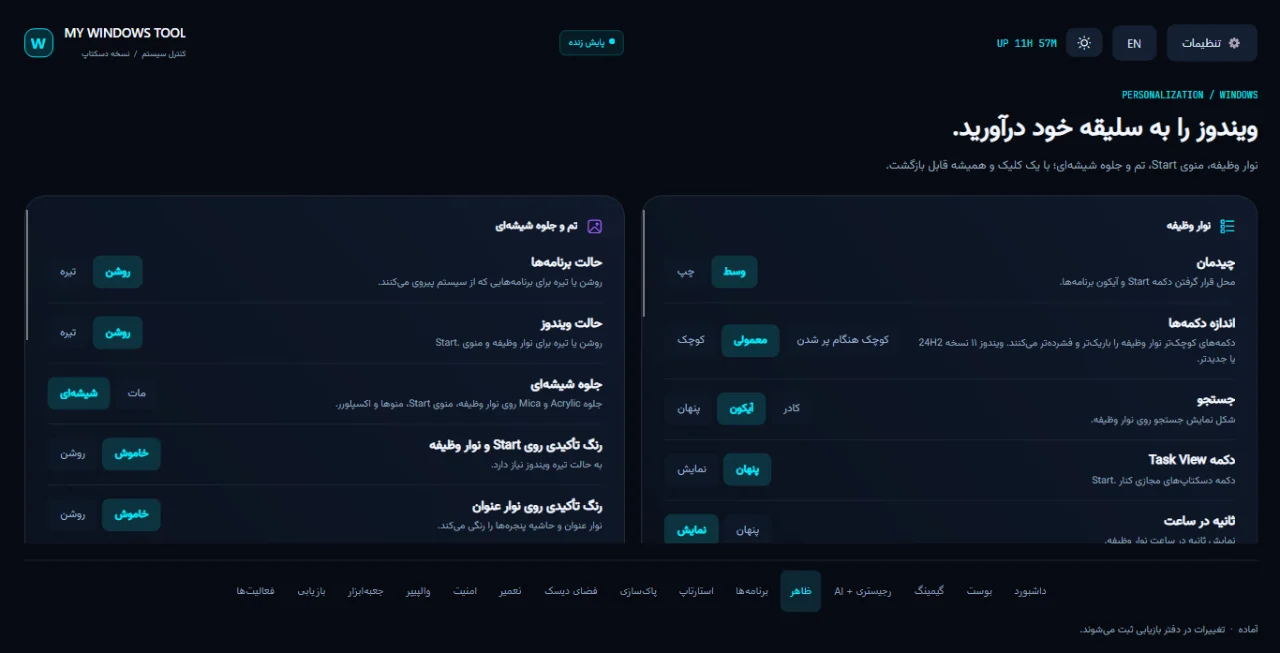
Appearance: taskbar, Start menu, dark or light, glass effects and accent colour, one click each.ظاهر: نوار وظیفه، منوی Start، حالت تیره یا روشن، جلوهٔ شیشهای و رنگ تأکیدی؛ هر کدام با یک کلیک.
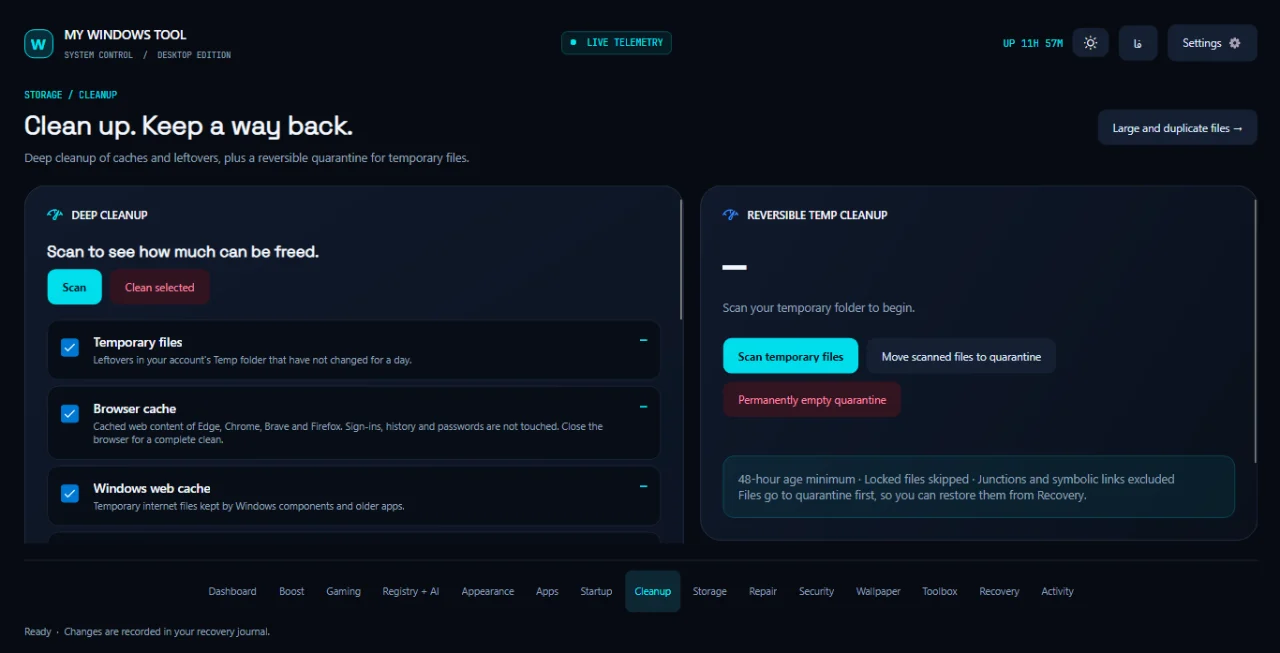
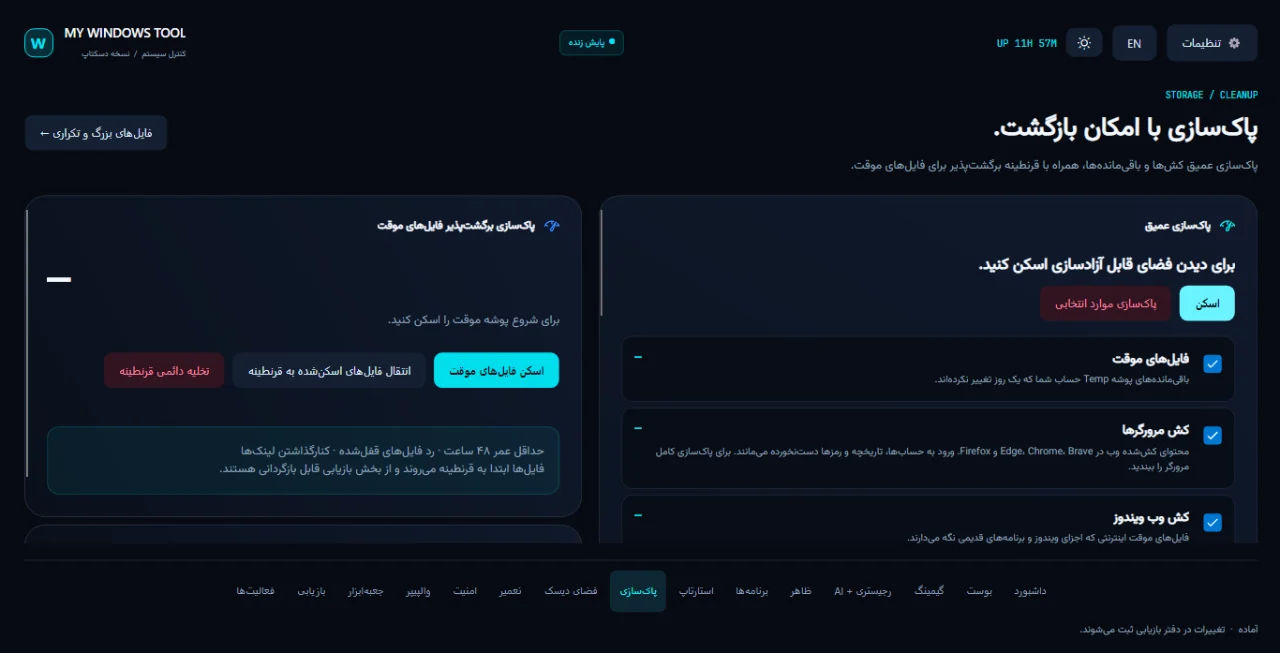
Deep cleanup by category, with a size scan and a confirmation before anything is deleted, plus a quarantine for temporary files that can be restored.پاکسازی عمیق دستهبندیشده با اسکن حجم و تأیید پیش از حذف، بهعلاوه قرنطینهای برای فایلهای موقت که قابل بازگردانی است.
Finds large and duplicate files; they go to the Recycle Bin one at a time.یافتن فایلهای بزرگ و تکراری؛ حذف فقط با انتقال تکی به سطل بازیافت.
Repair: DISM and SFC, DNS cache flush, Explorer restart, Winsock reset and a driver check.تعمیر: DISM و SFC، پاککردن کش DNS، راهاندازی دوبارهٔ اکسپلورر، بازنشانی Winsock و بررسی درایورها.
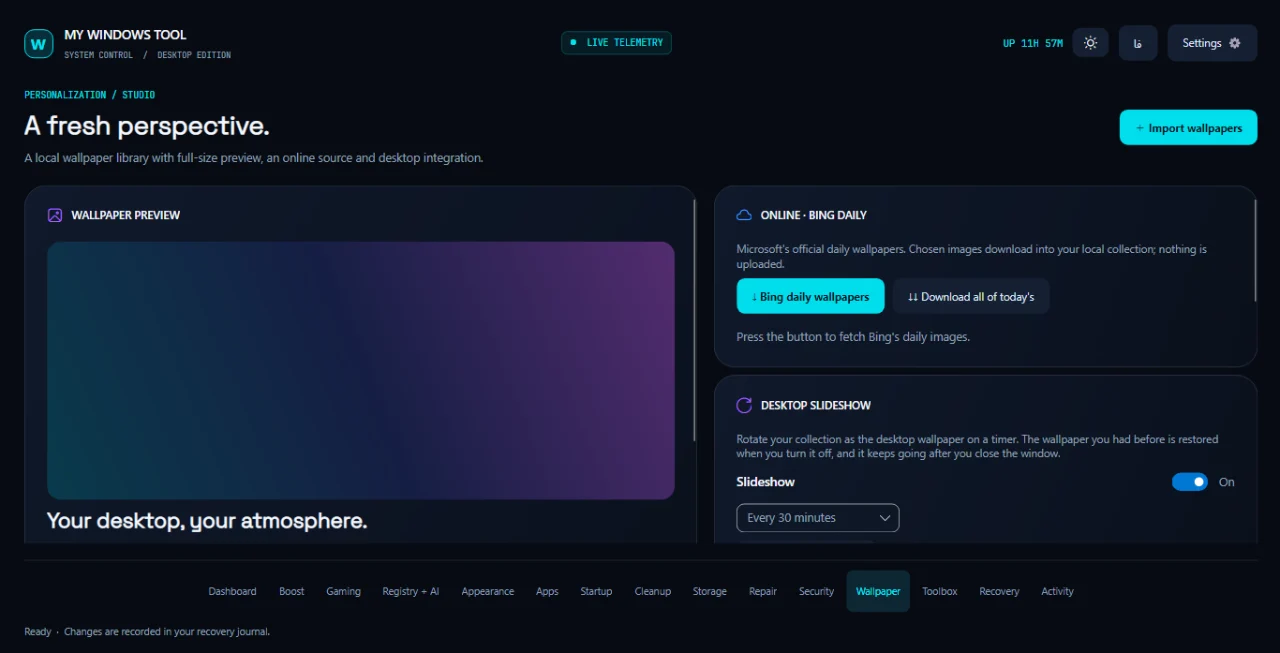
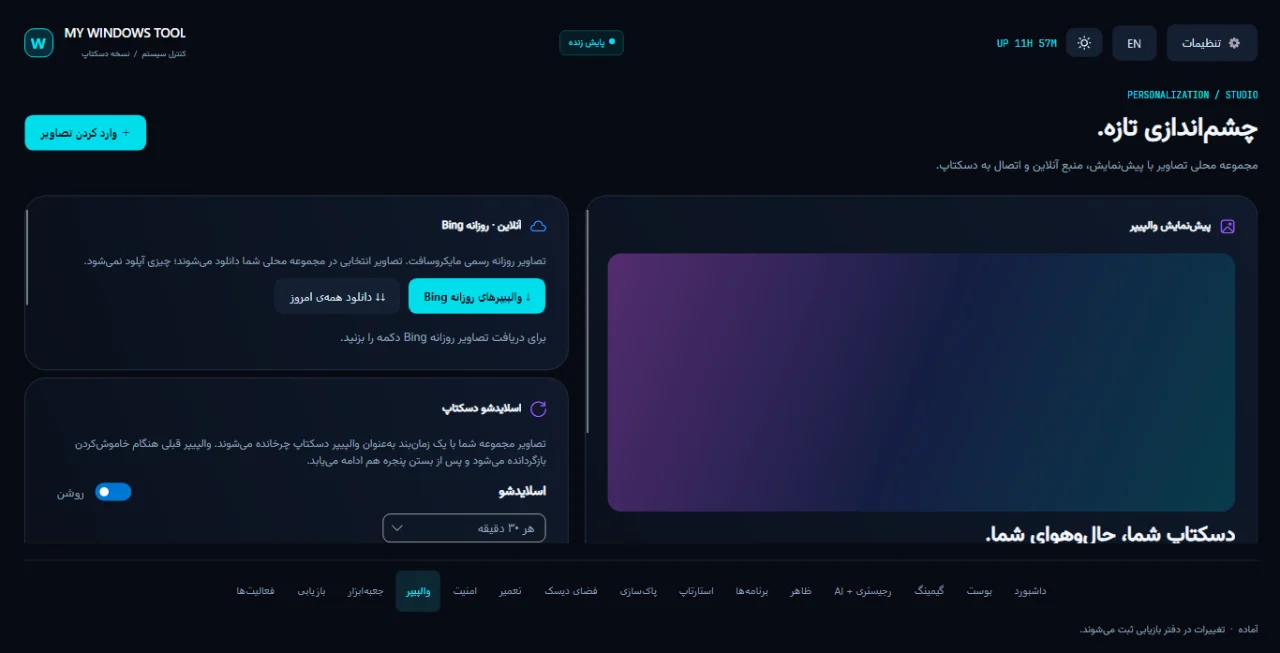
Wallpaper studio: your own collection, Bing’s daily picture and a desktop slideshow.استودیوی والپیپر: مجموعهٔ خودتان، تصویر روزانهٔ Bing و اسلایدشو دسکتاپ.
Apps and startup: remove optional Store apps one at a time, and switch startup entries off and back on.برنامهها و استارتاپ: حذف تکی برنامههای اختیاری Store و خاموش و روشن کردن ورودیهای استارتاپ.
Recovery: a journal of every setting changed, quarantine restore and Windows restore points.بازیابی: دفتر همهٔ تنظیمهای تغییرکرده، بازگردانی قرنطینه و نقاط بازیابی ویندوز.
A look insideنگاهی به داخل