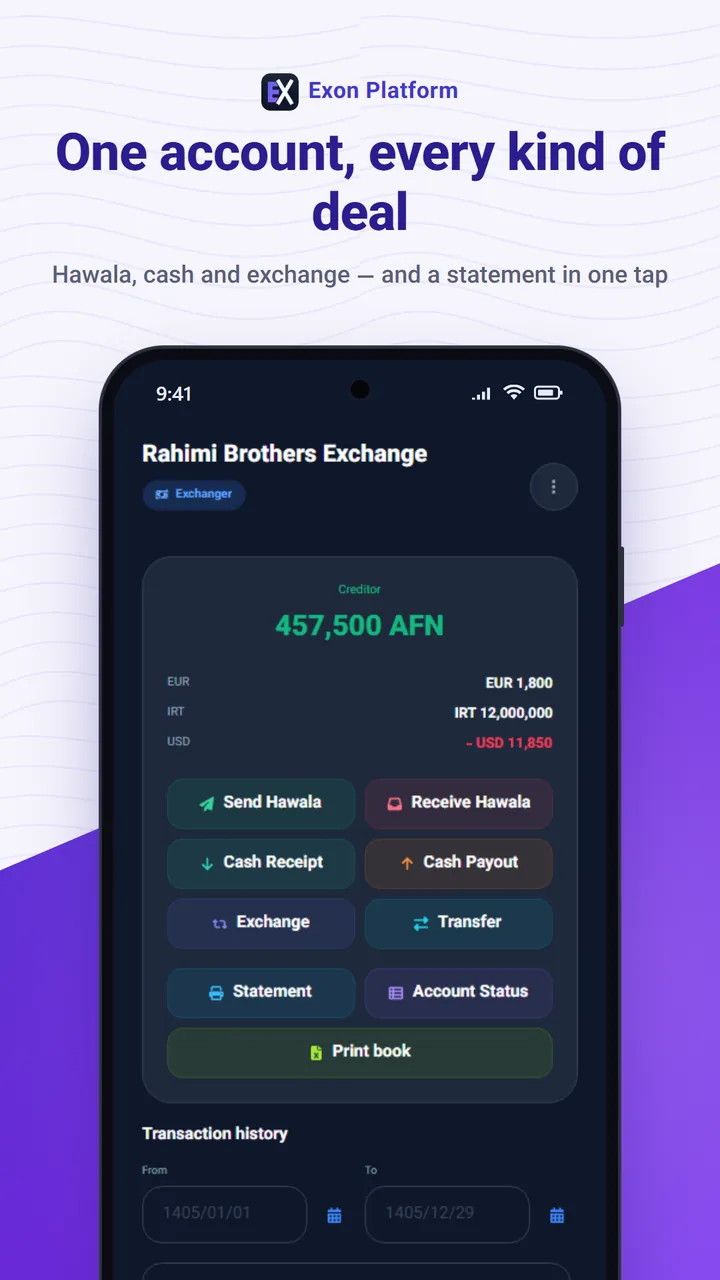
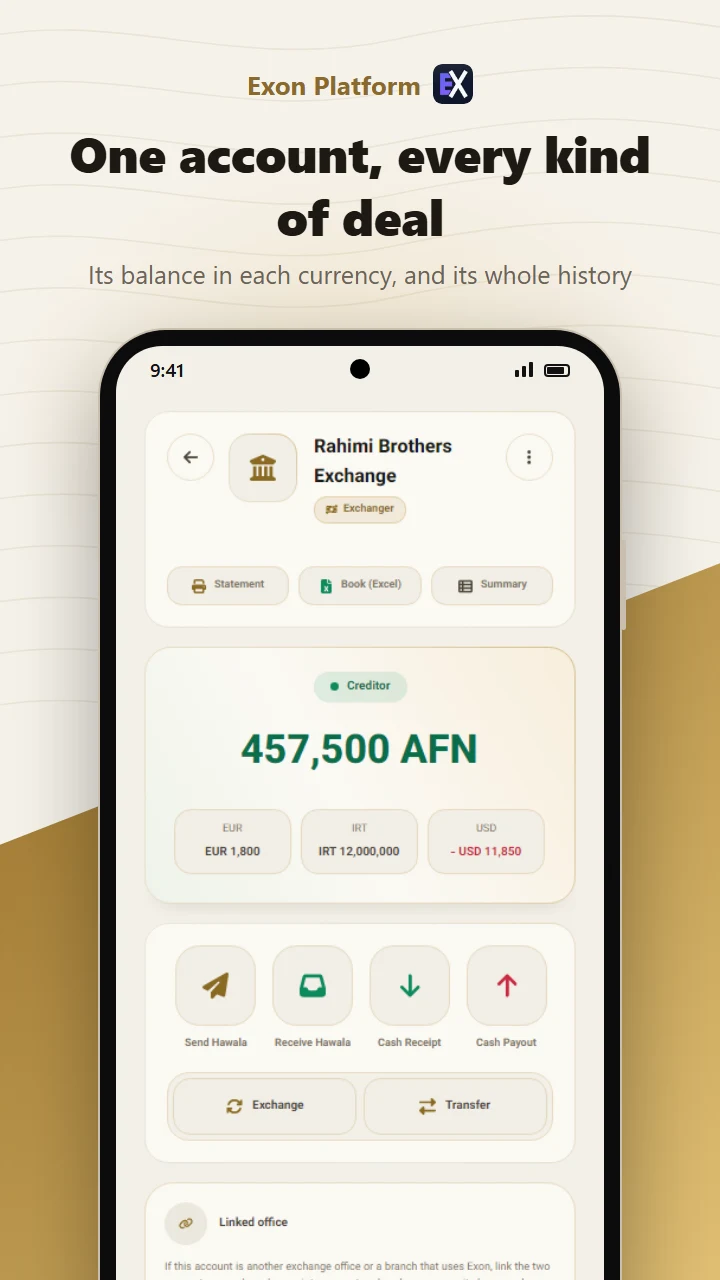
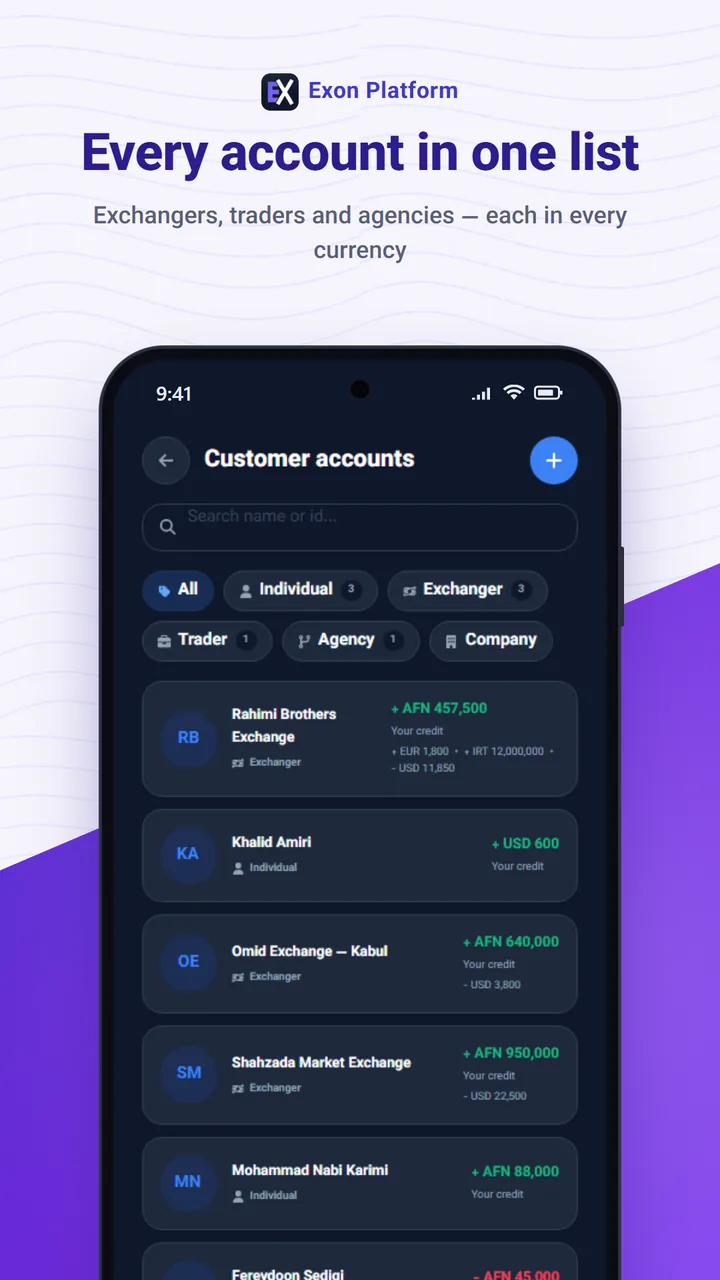
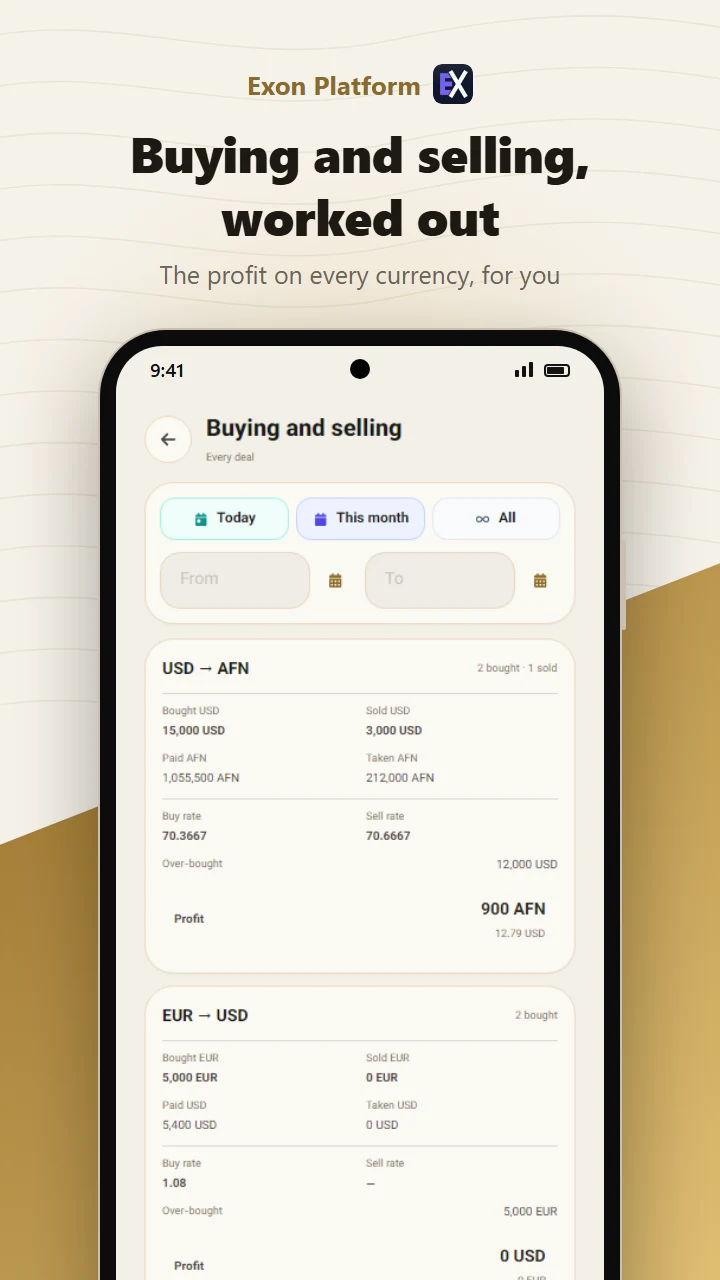
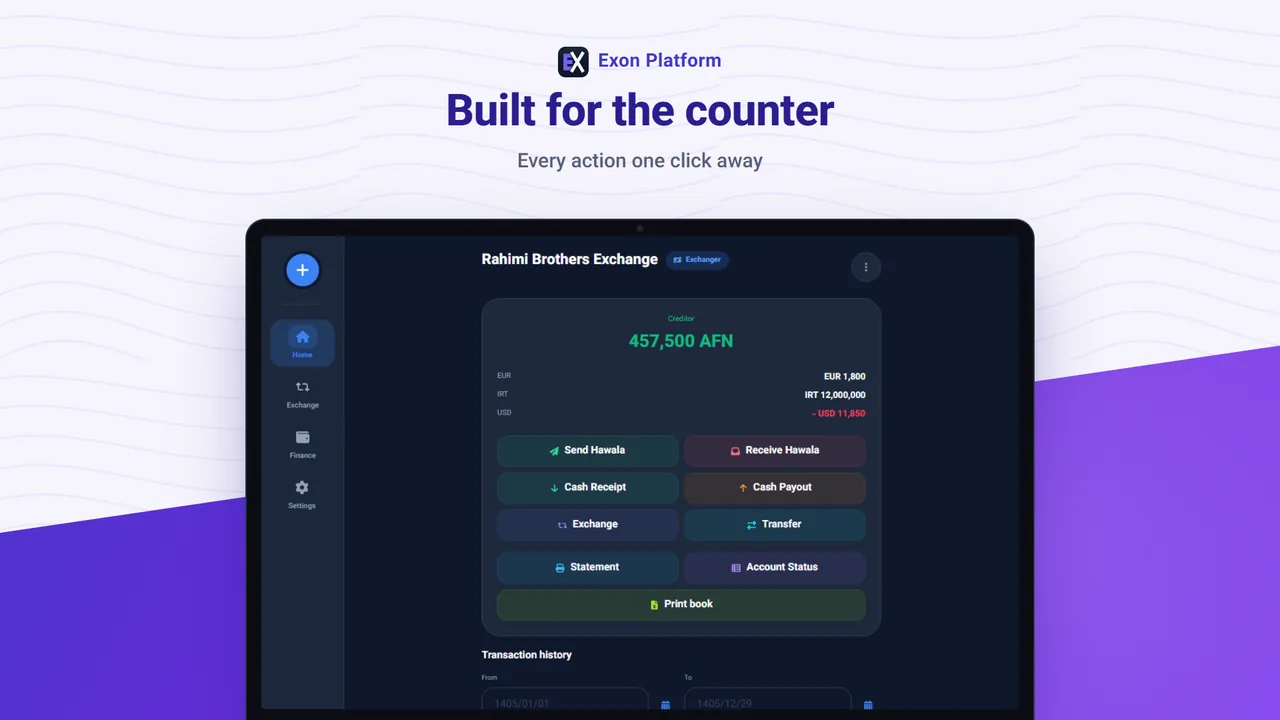
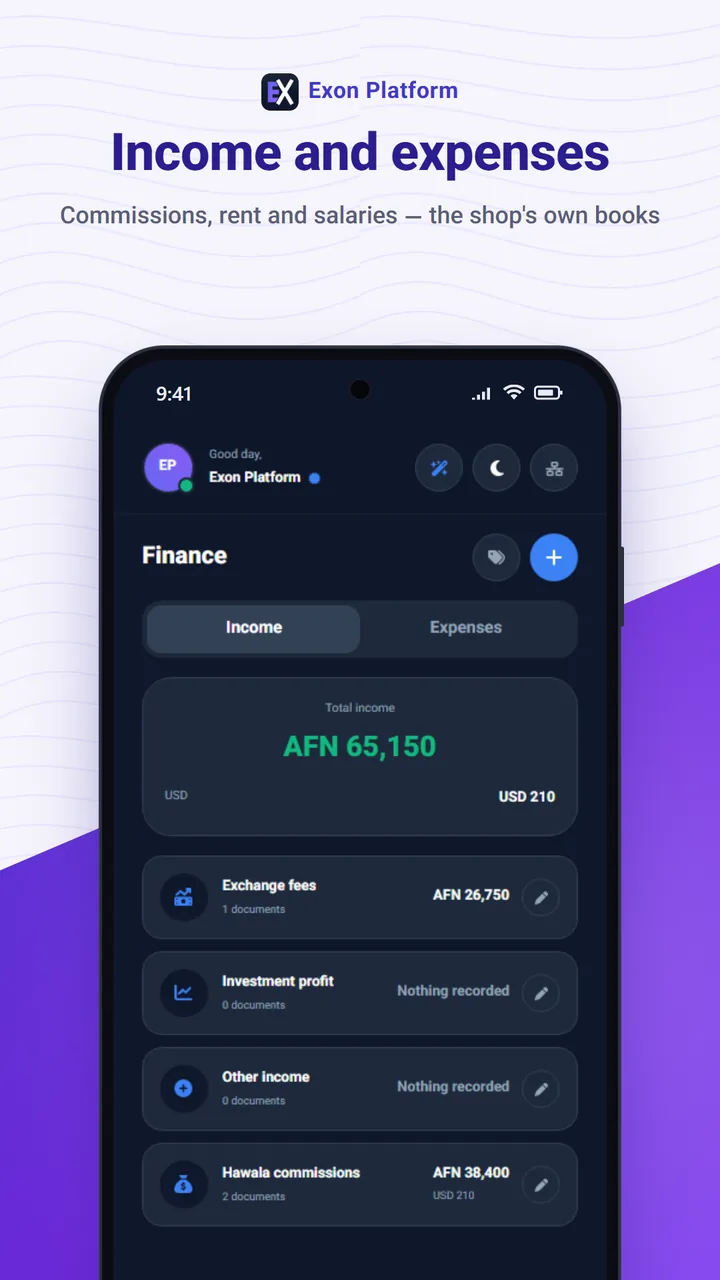
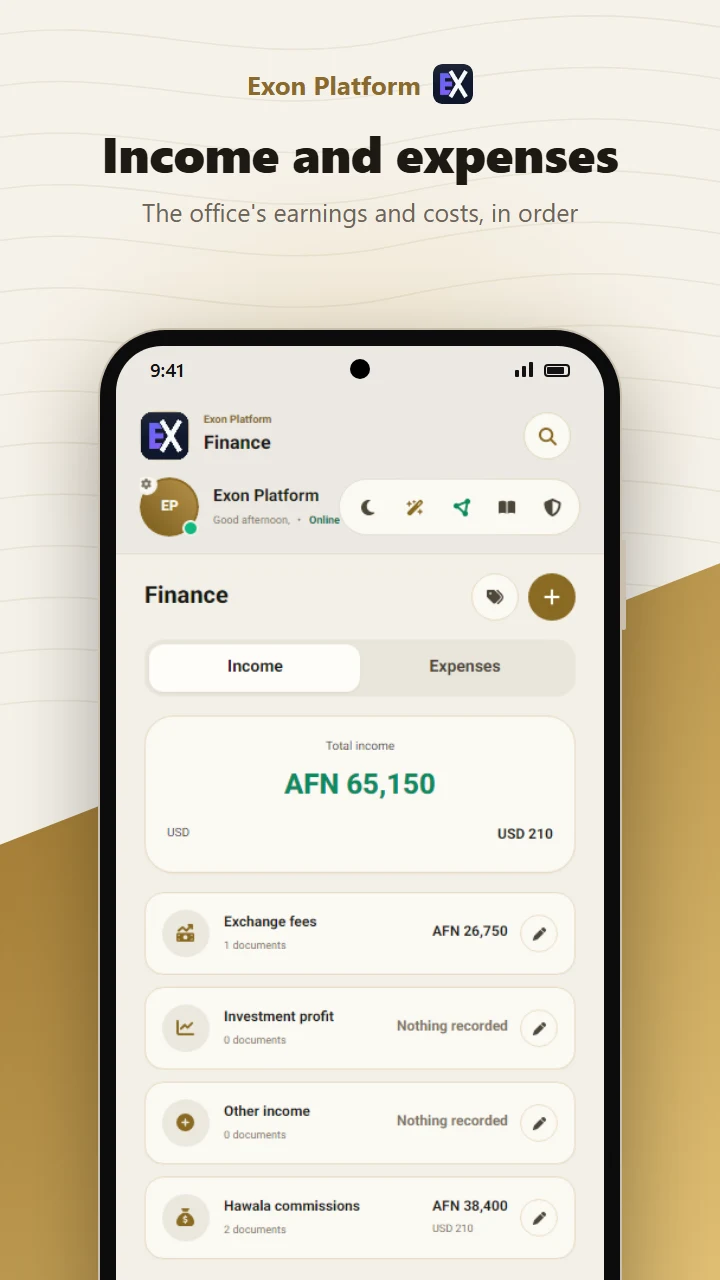
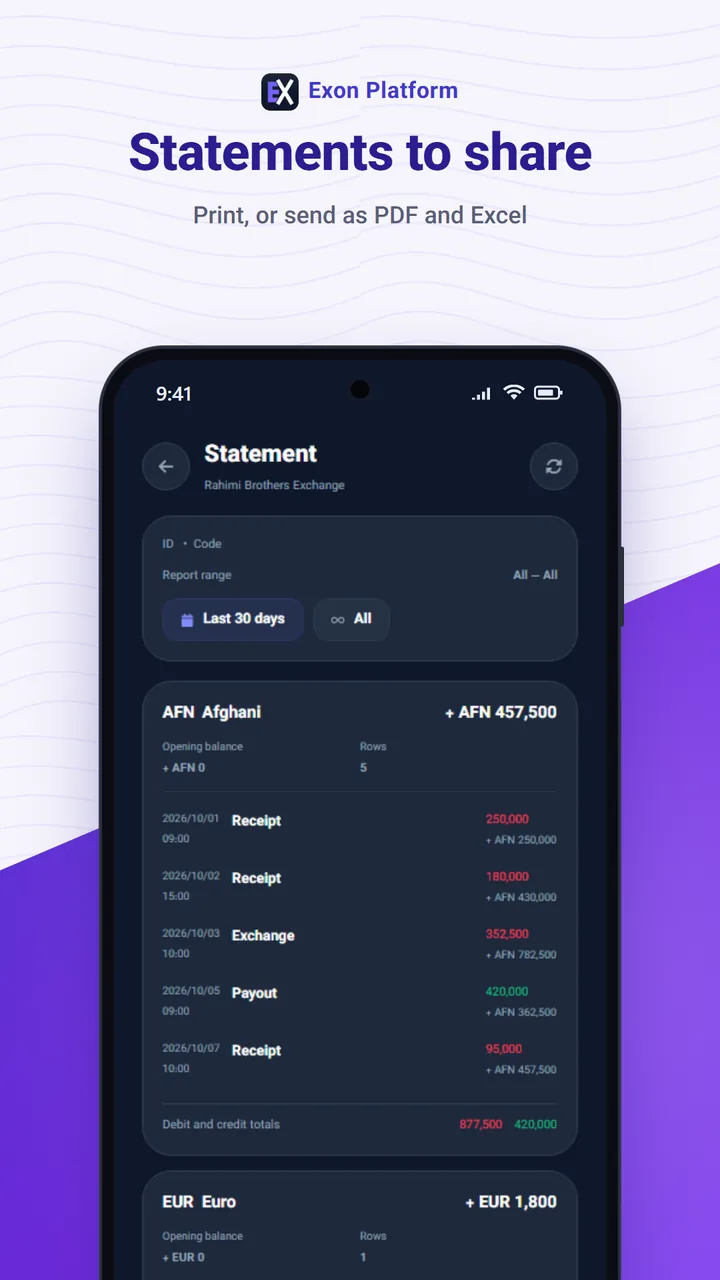
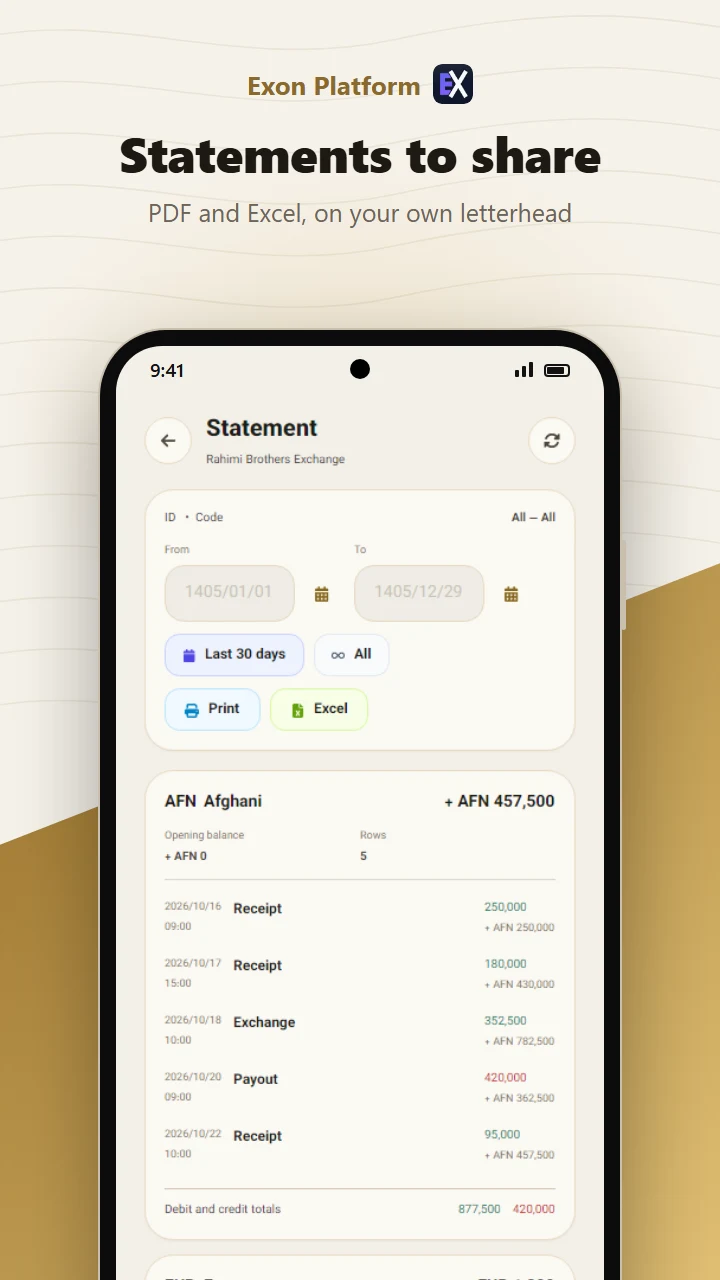
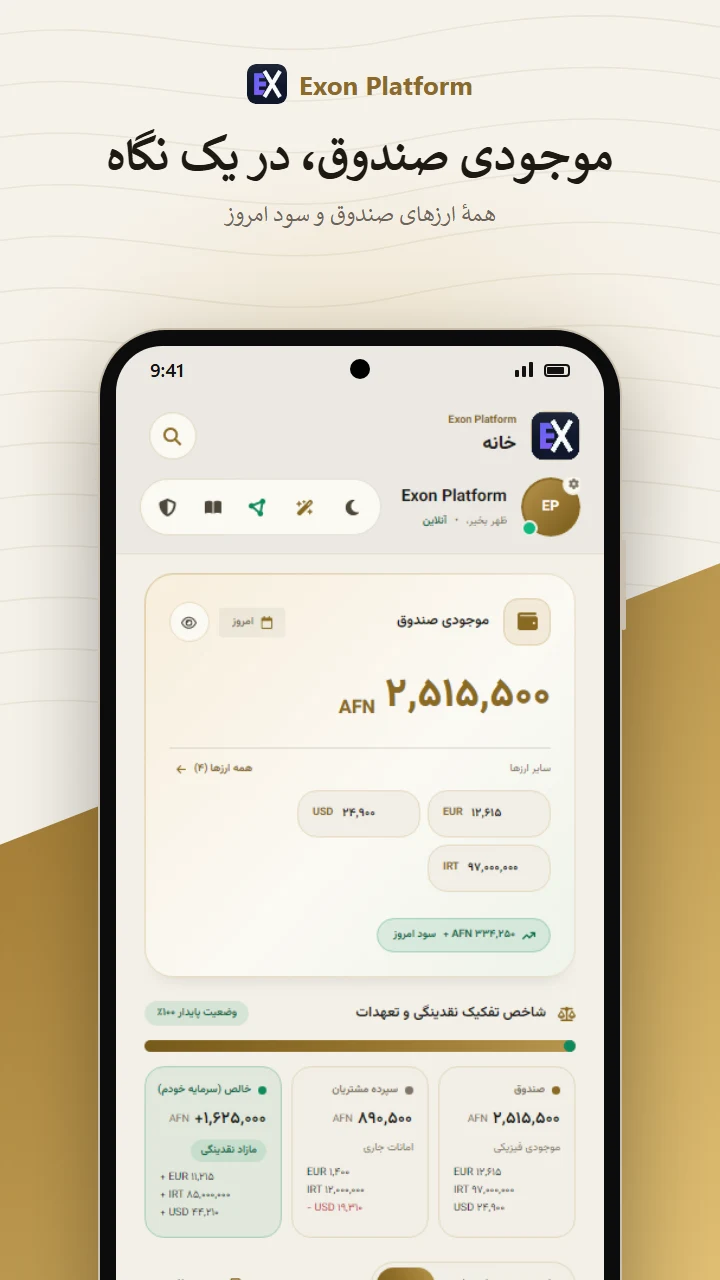
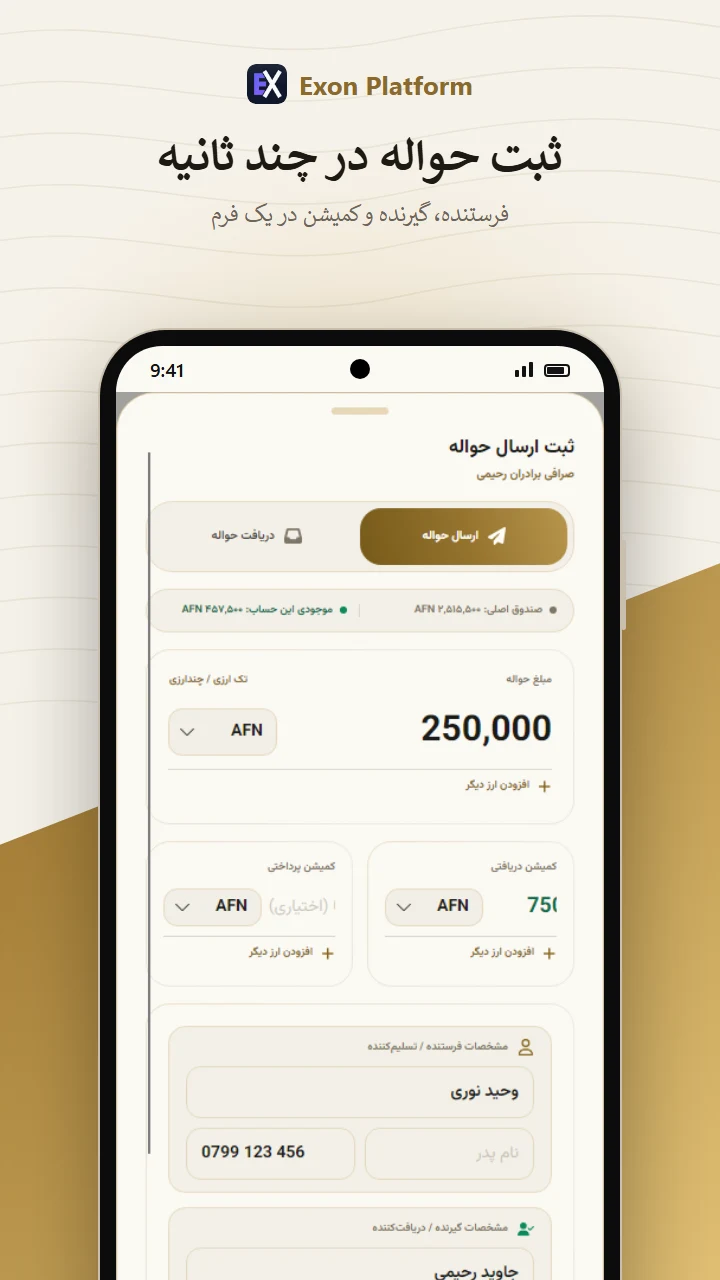
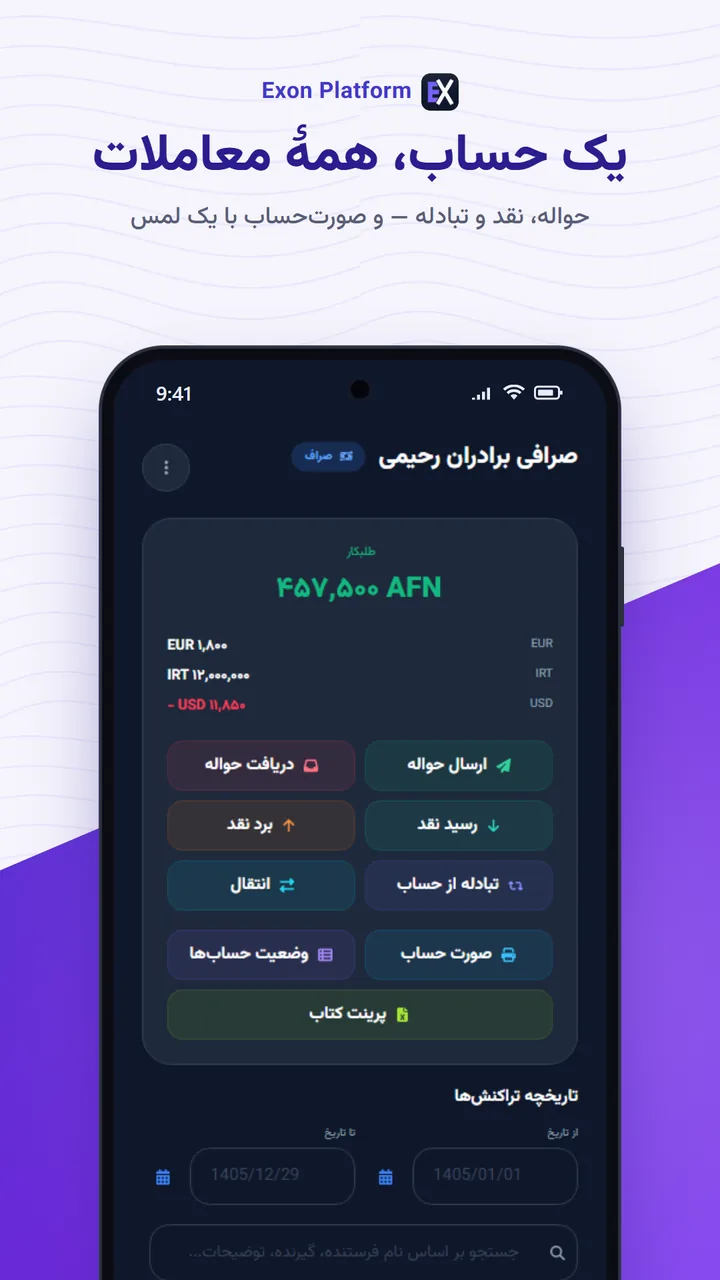
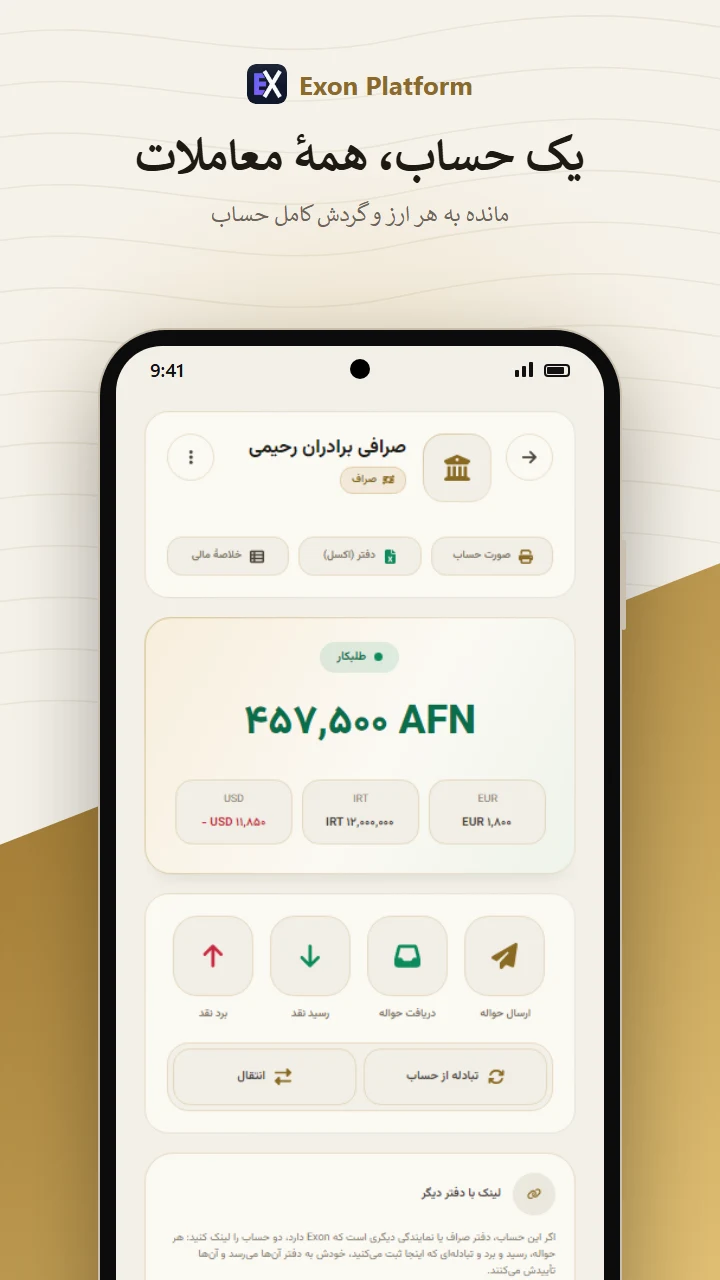
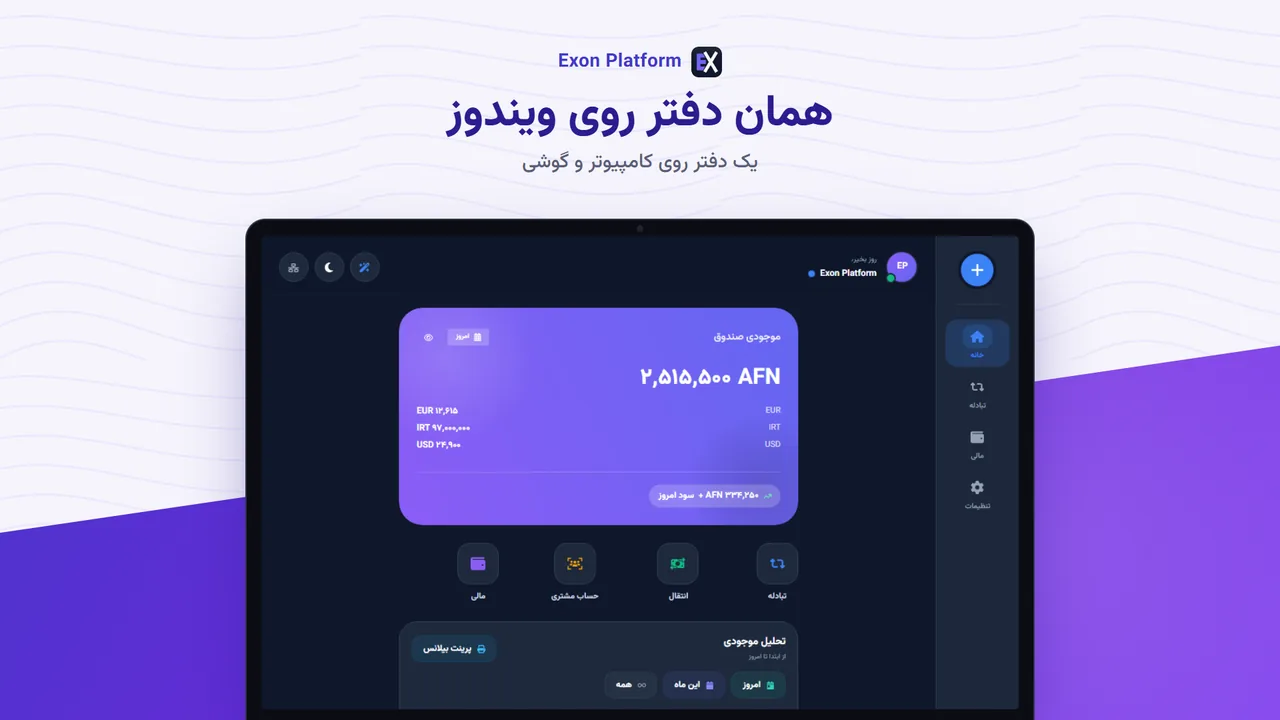
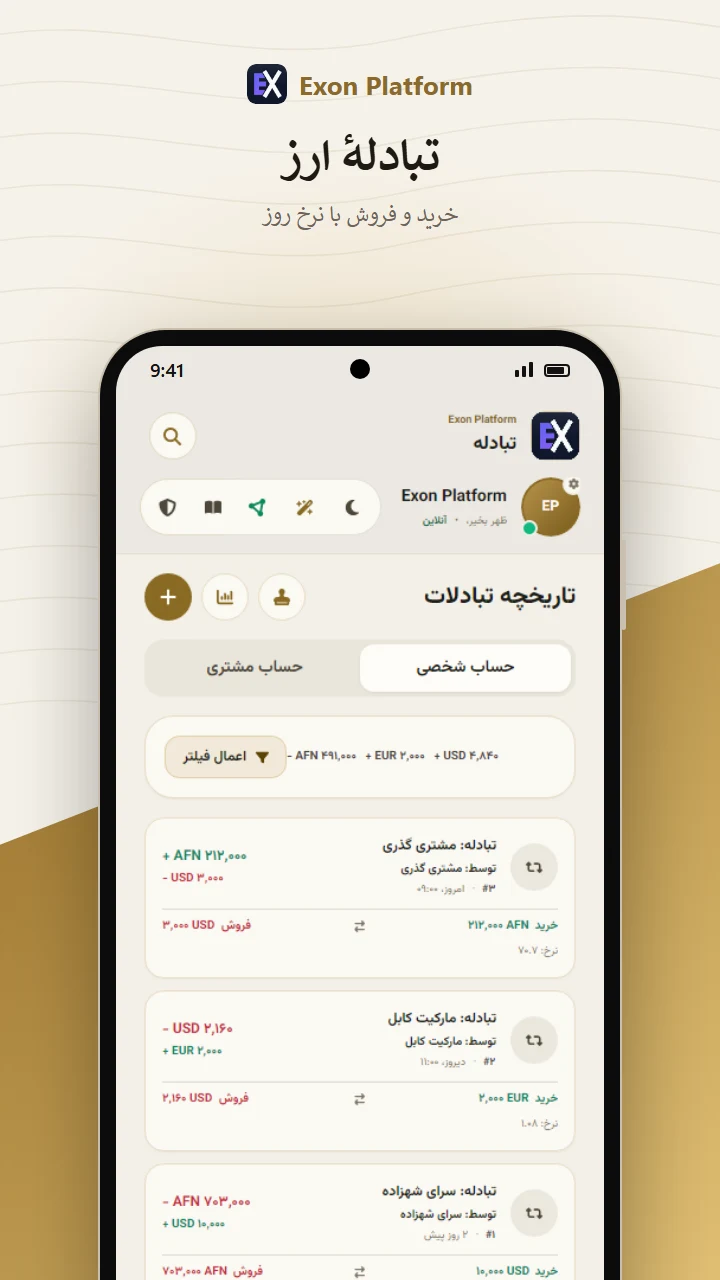
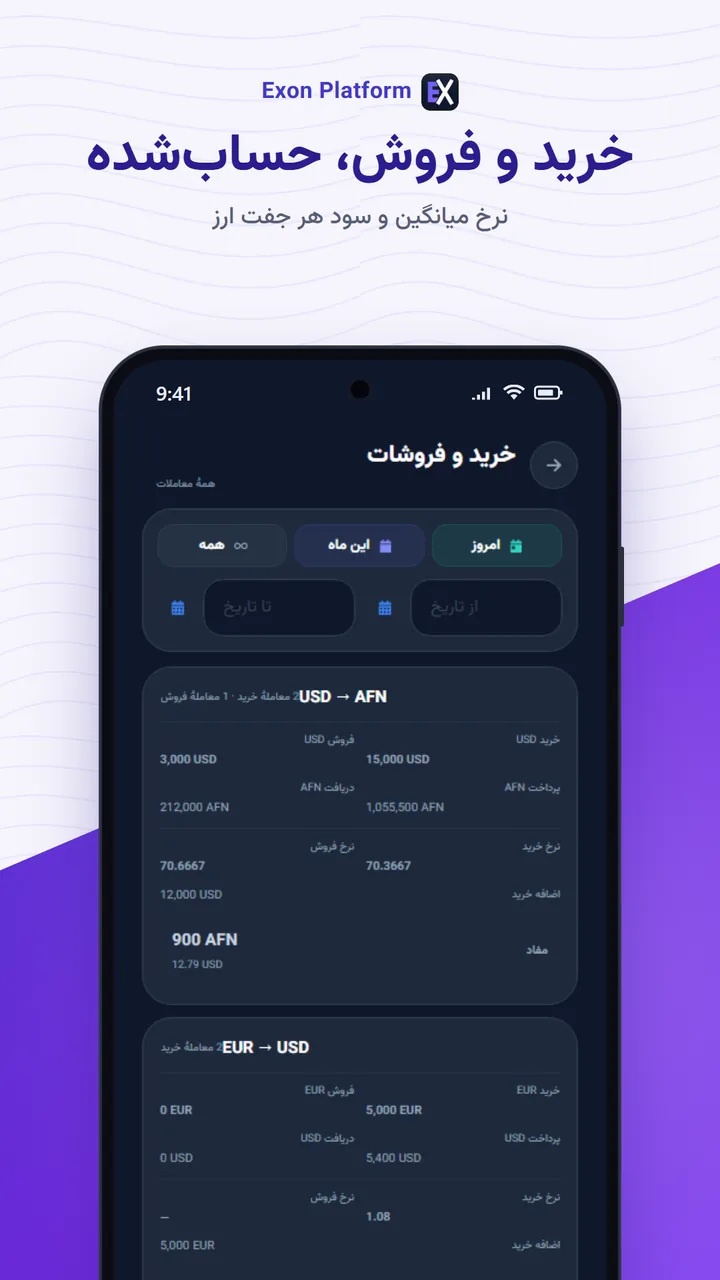
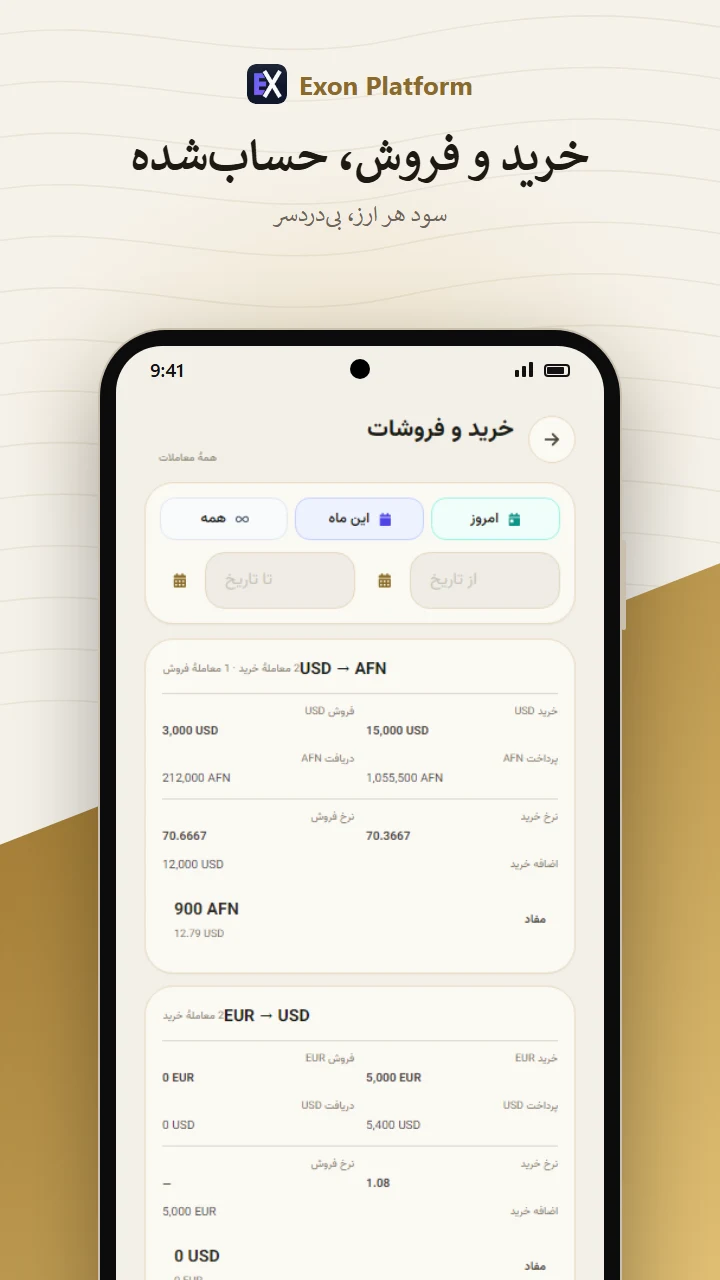
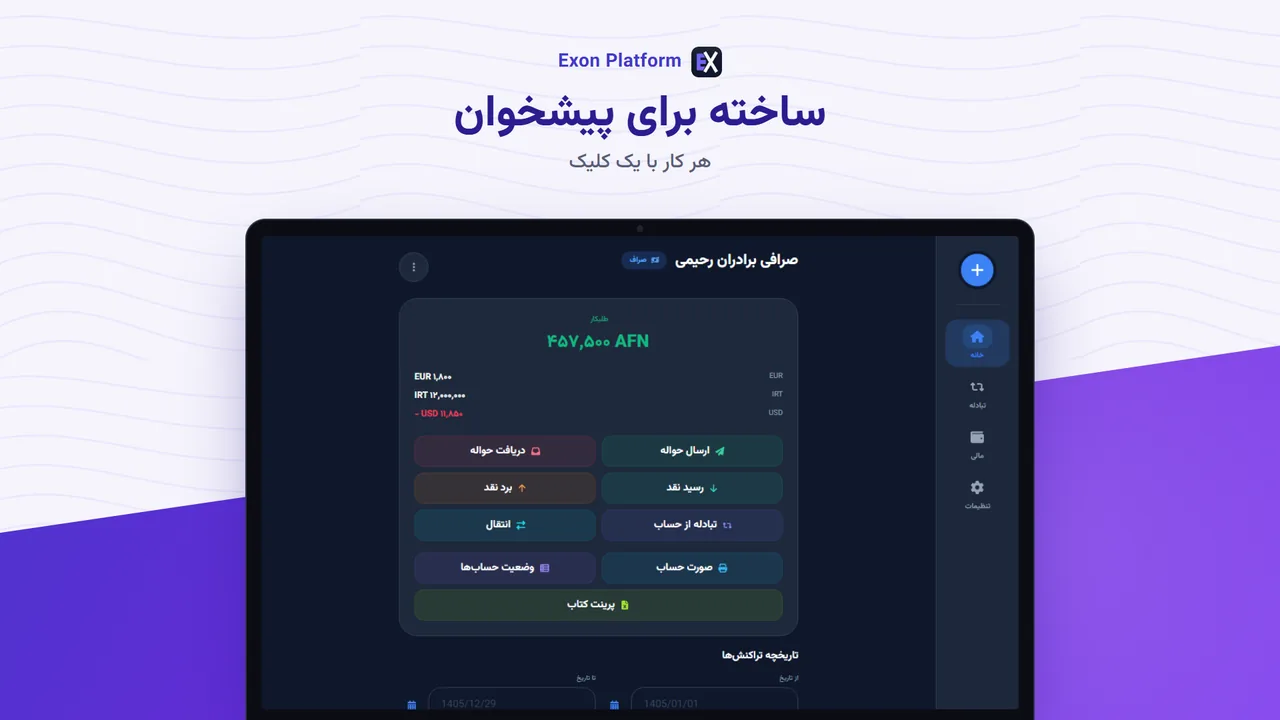
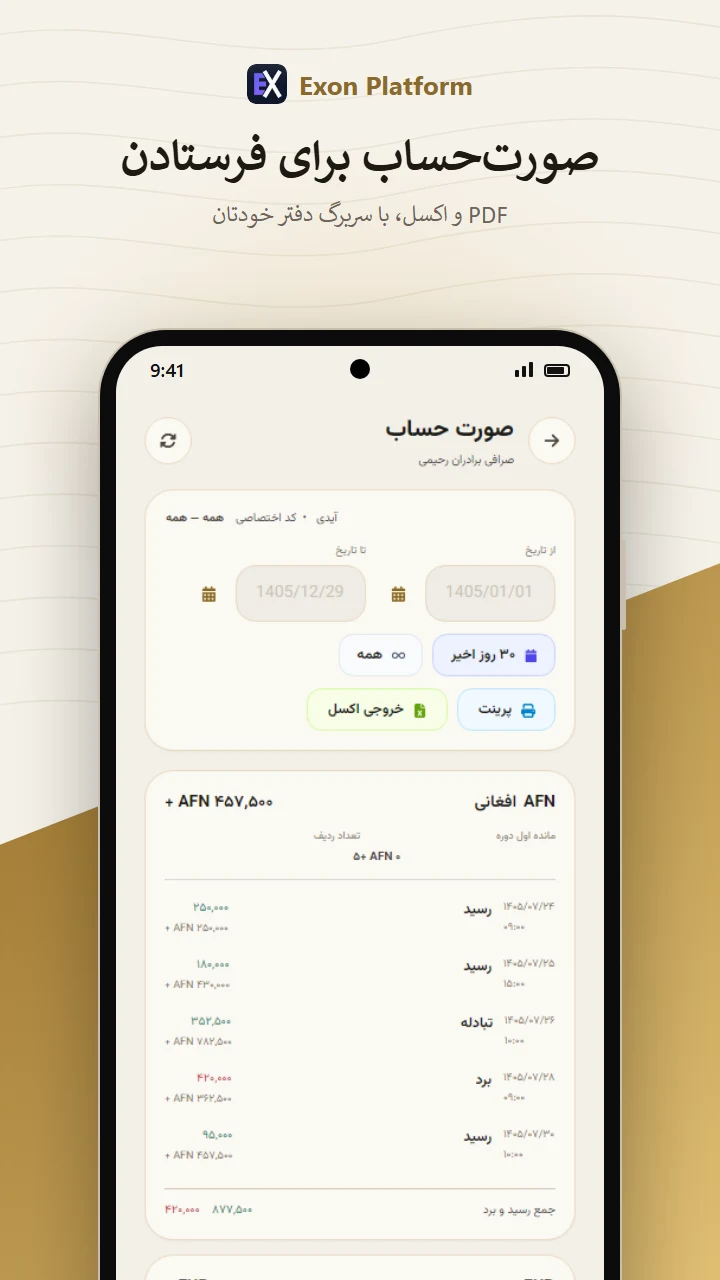
A ledger that works with the internet off. It keeps the books for a hawala and
currency-exchange business — transfers, cash in and out, exchanges, customer accounts and daily balance
sheets — on your own device, encrypted with your own password.دفتری که بدون اینترنت کار میکند. حسابهای یک صرافی و حواله را نگه میدارد —
ارسال و دریافت حواله، رسید و برد نقد، تبادله، حساب مشتریان و بیلانس روزانه — روی دستگاه خودتان و
رمزگذاریشده با رمز خودتان.
Windows 10 or newer, 64-bit: an installer that asks for its language, shows the
terms of use and privacy policy to accept, and lets you choose where the app and its
backups go (or a ZIP with nothing installed). Android 5.0 or newer: an
APK you install yourself, so the phone asks once to allow it; the app is not on Google Play.ویندوز ۱۰ یا بالاتر، ۶۴ بیتی: فایل نصبی که زبانش را میپرسد، شرایط
استفاده و سیاست حریم خصوصی را برای پذیرفتن نشان میدهد، و جای برنامه و بکاپهایش را خودتان انتخاب میکنید (یا
فایل ZIP بدون نصب). اندروید ۵ یا بالاتر: فایل APK که خودتان نصب میکنید،
پس گوشی یک بار اجازه میخواهد؛ این اپ روی گوگل پلی نیست.
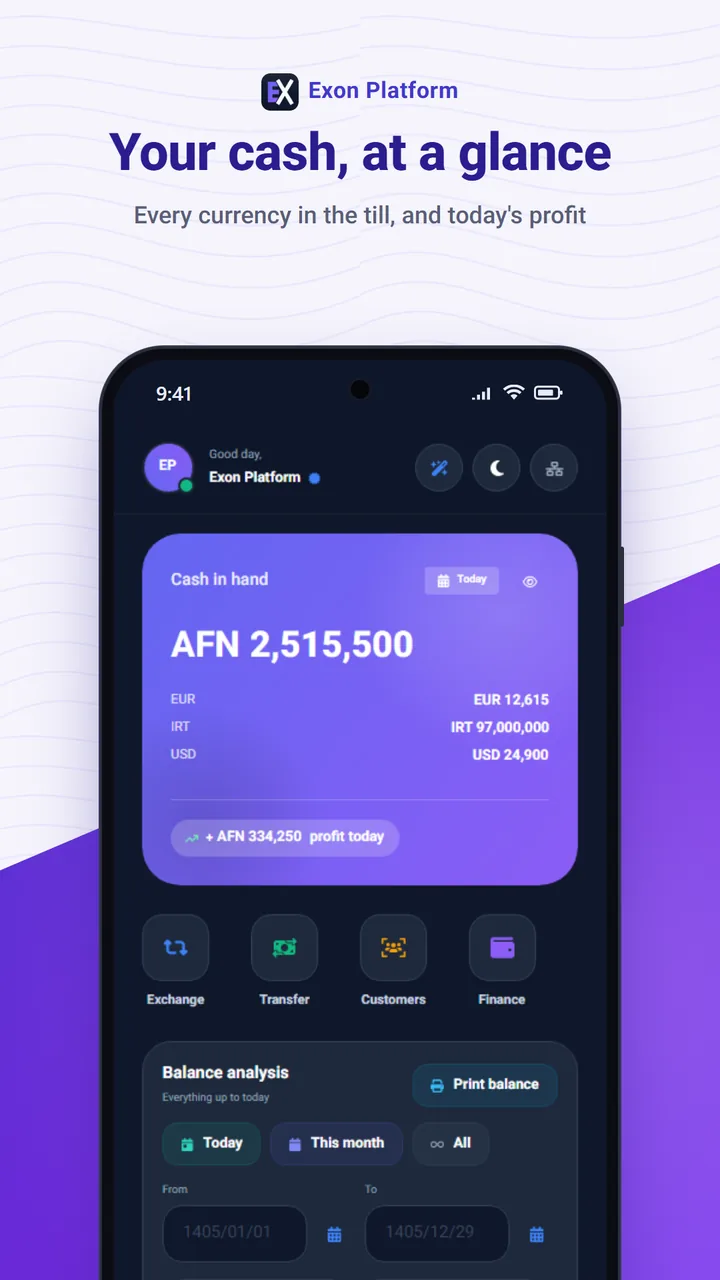
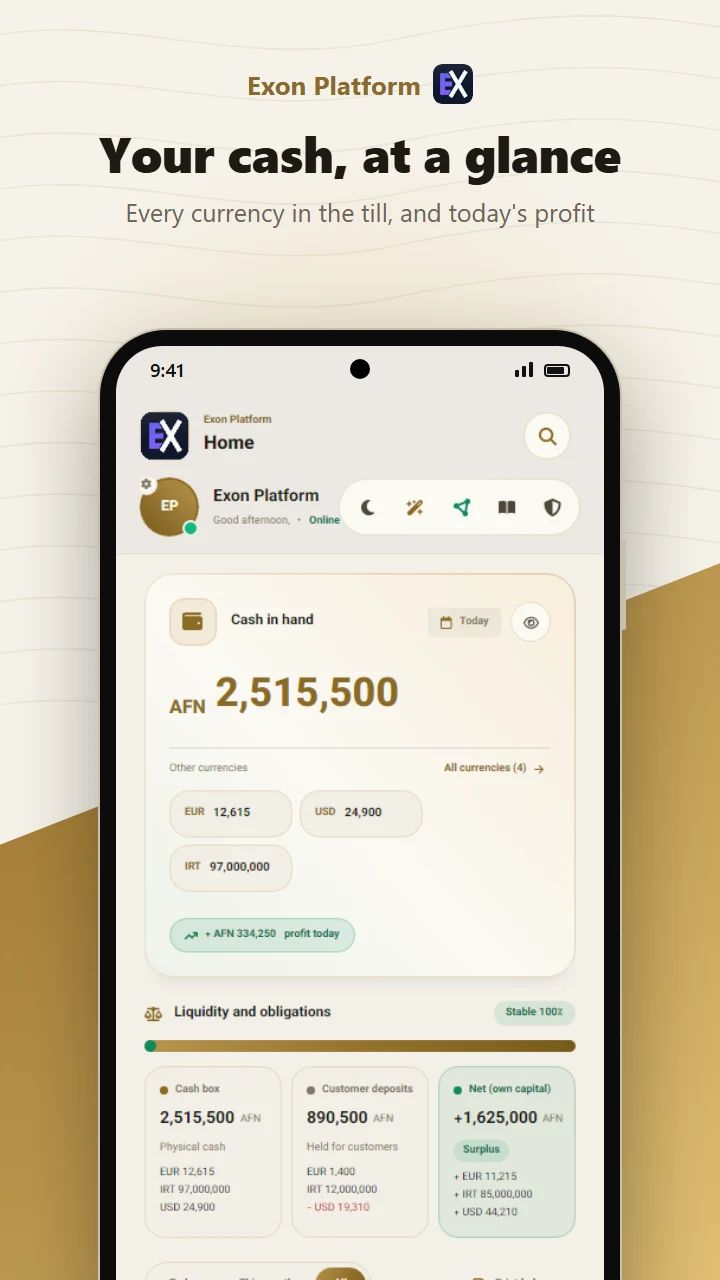
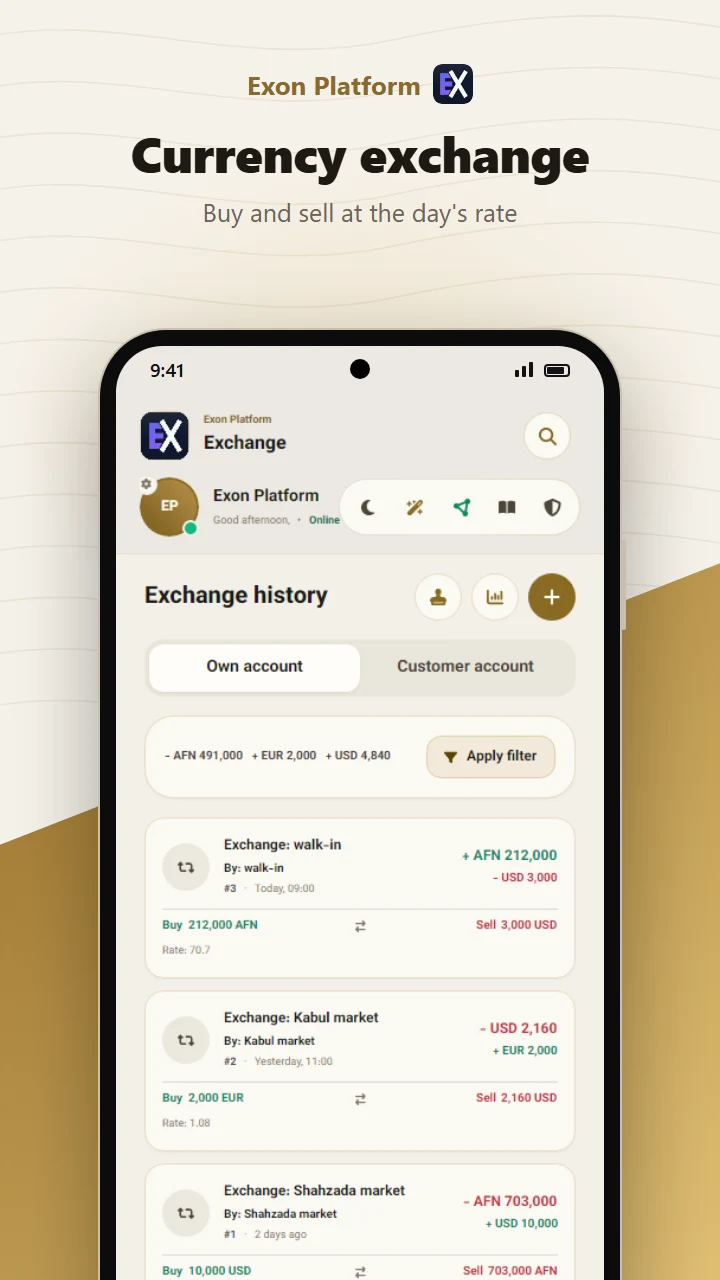
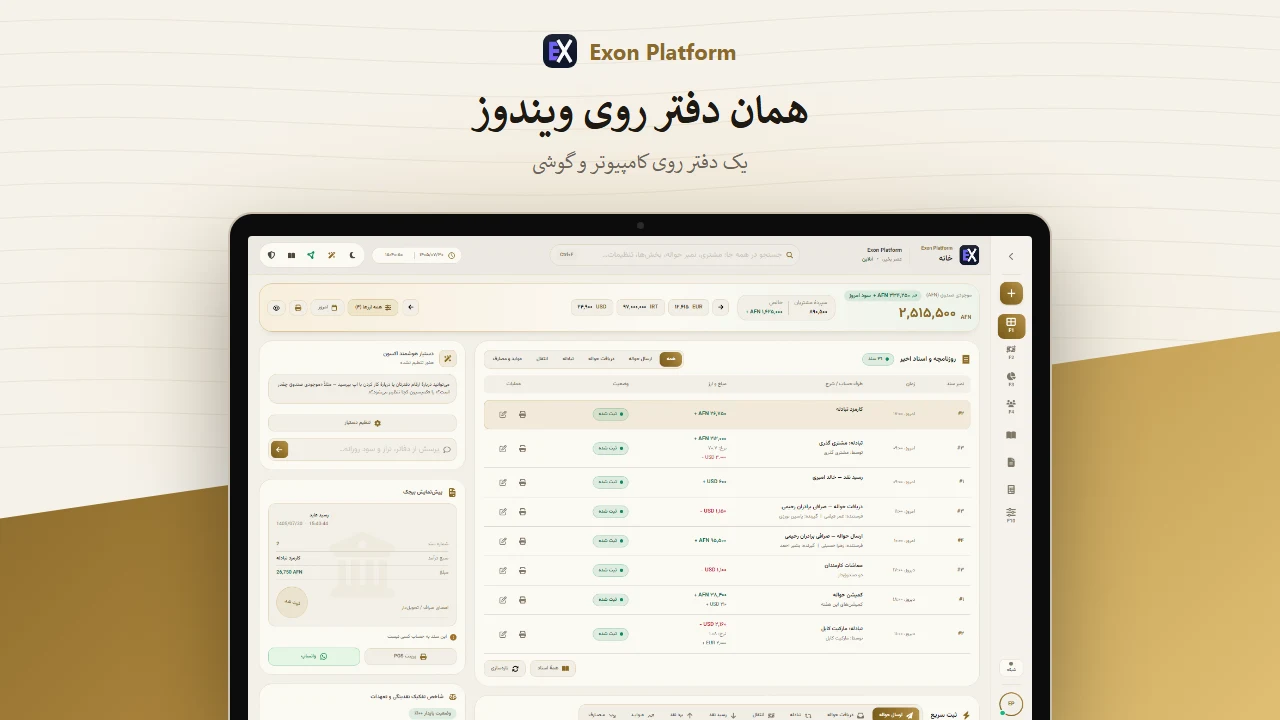
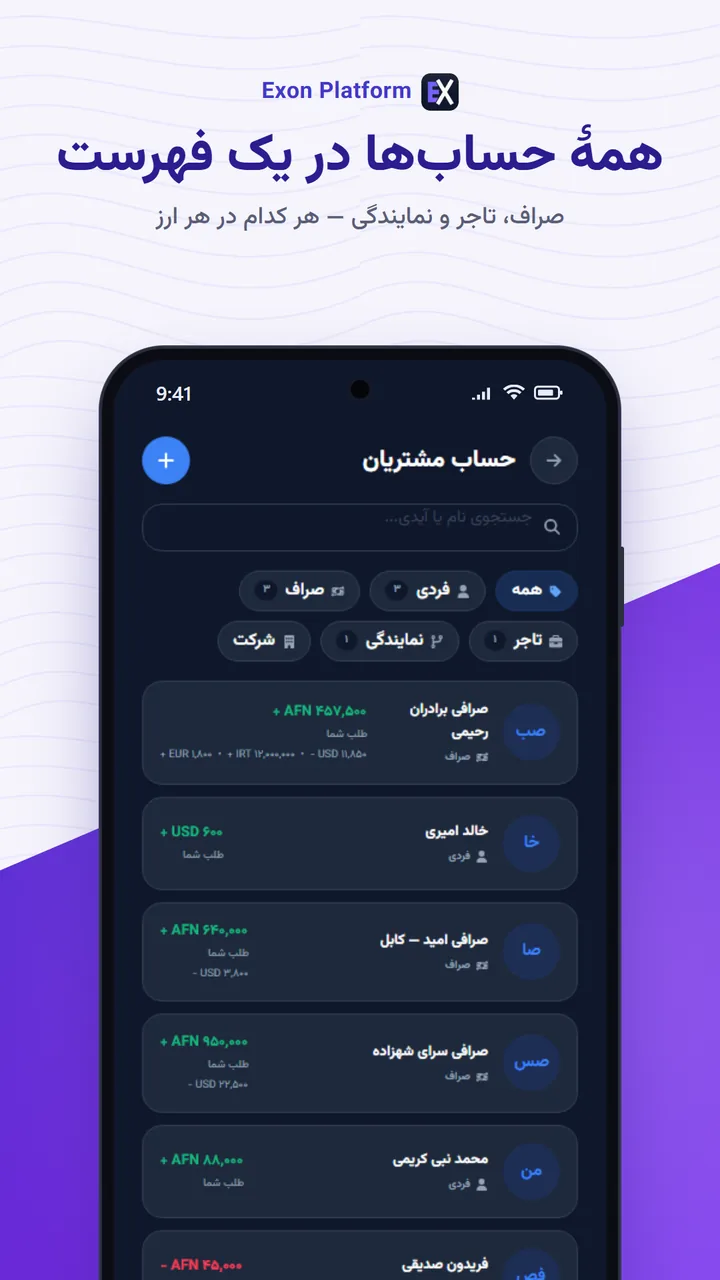
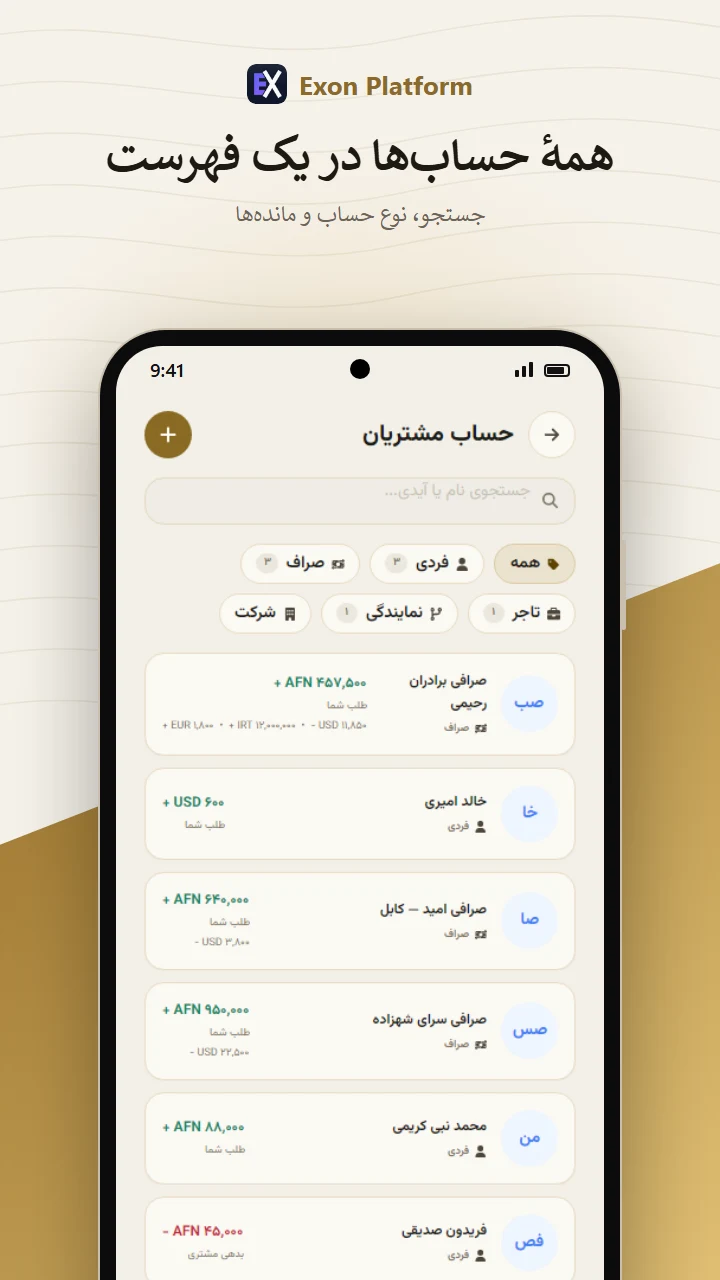
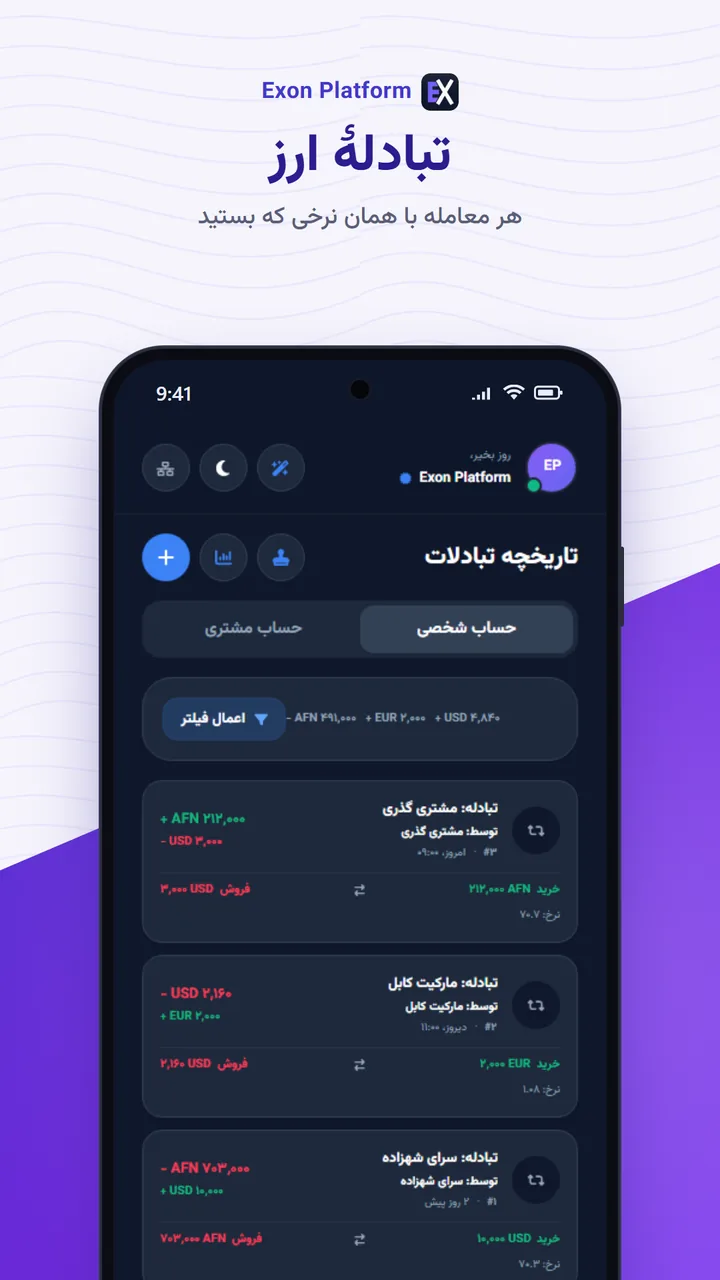
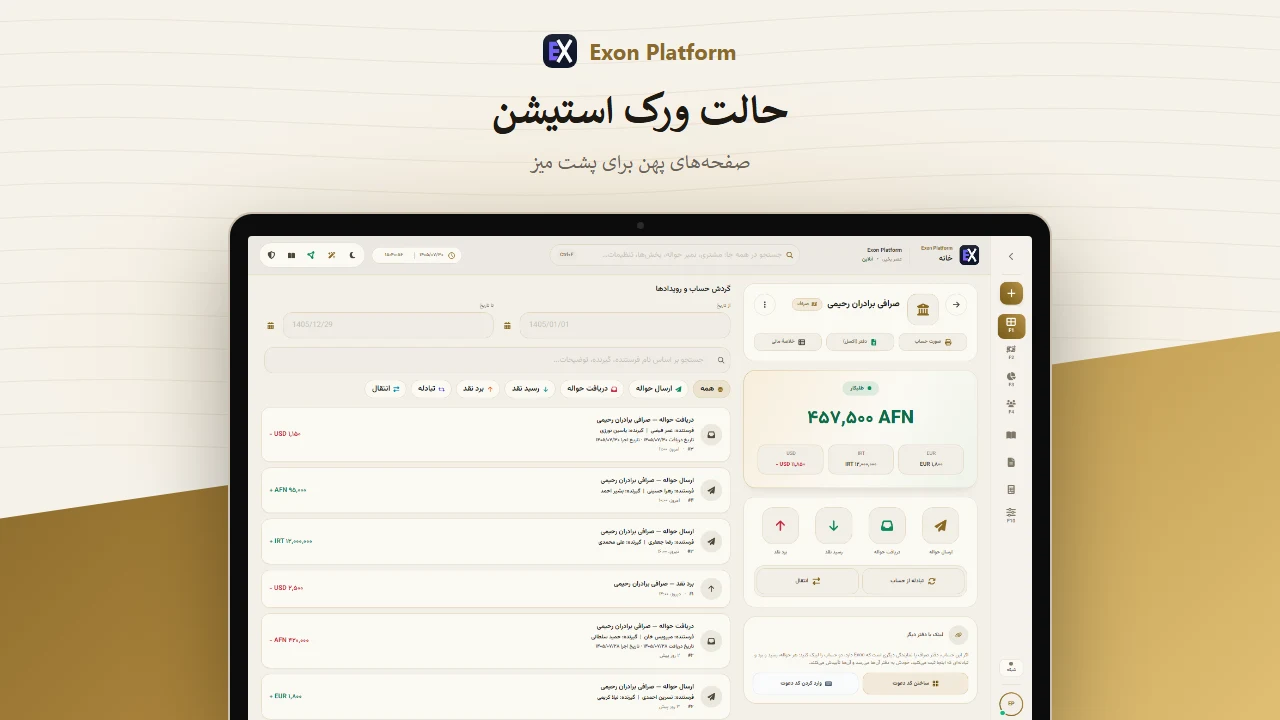
Workstation mode is the app's look since 1.5.0, on Windows and on a phone. For the
earlier pages, choose Simple mode in Settings ▸ Theme and read its own guide.حالت ورک استیشن ظاهر برنامه از نسخهٔ ۱.۵.۰ است، روی ویندوز و گوشی. برای صفحههای قبلی،
در تنظیمات ▸ تم «ساده / آسان» را انتخاب کنید و راهنمای خودش را بخوانید.
Works offlineبدون اینترنتEncrypted on deviceرمزدار روی دستگاهPC + phoneکامپیوتر + گوشی
What it doesچه میکند
Made for the counter, not the cloud.ساخته برای پیشخوان، نه برای ابر.
Offline firstاول آفلاین
No account to create, no server to reach. The app opens and works with the
network off — which is the point, not a fallback.نه حسابی برای ساختن، نه سروری برای رسیدن. اپ با اینترنت خاموش باز میشود و کار
میکند — و این هدف است، نه راه دوم.
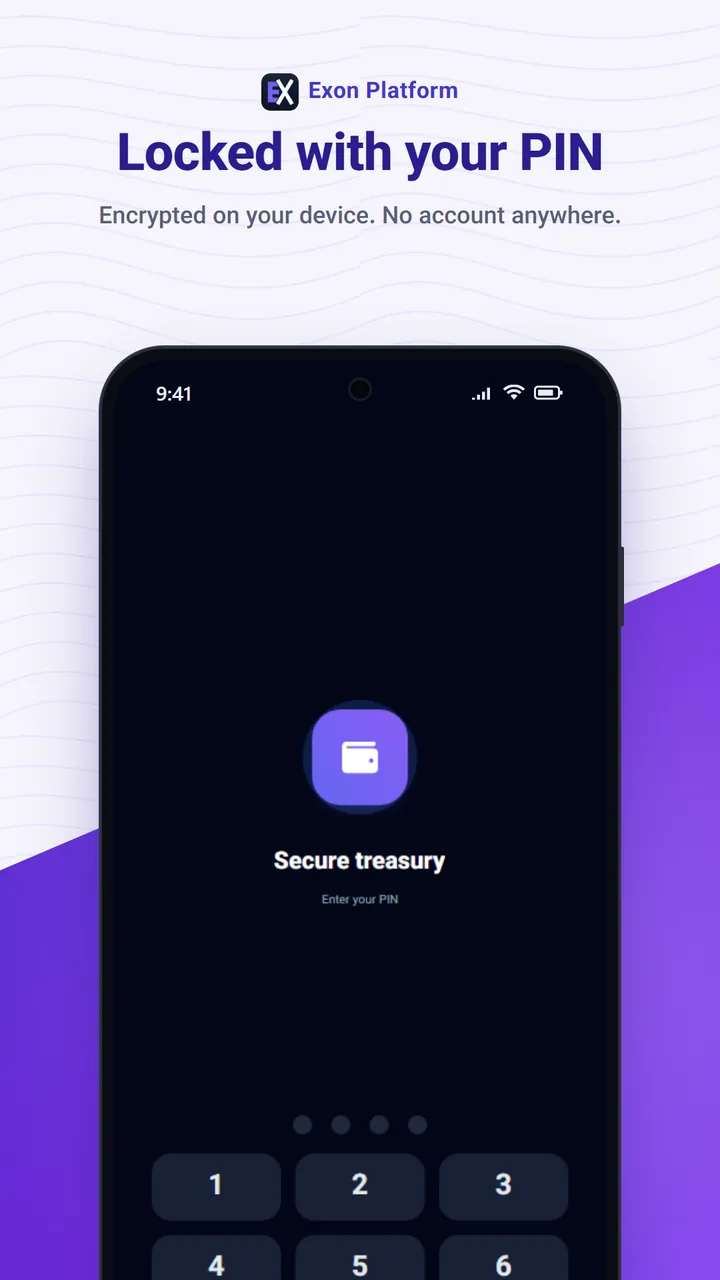
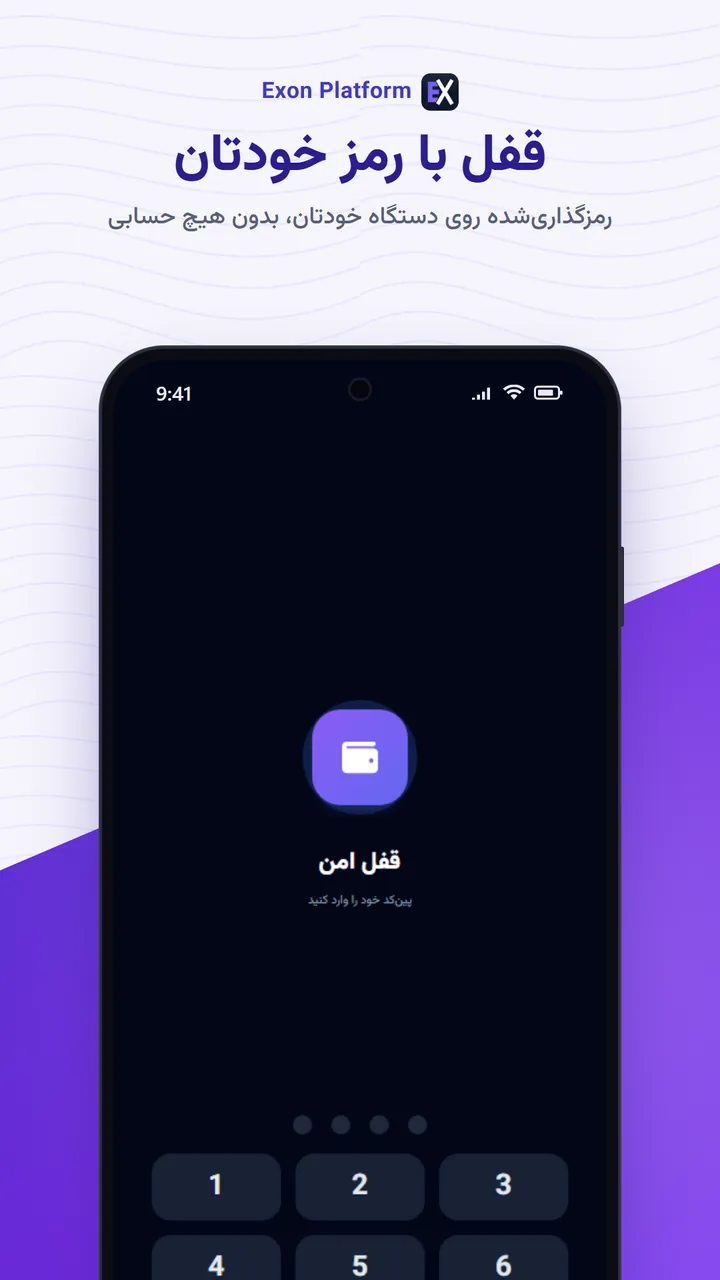
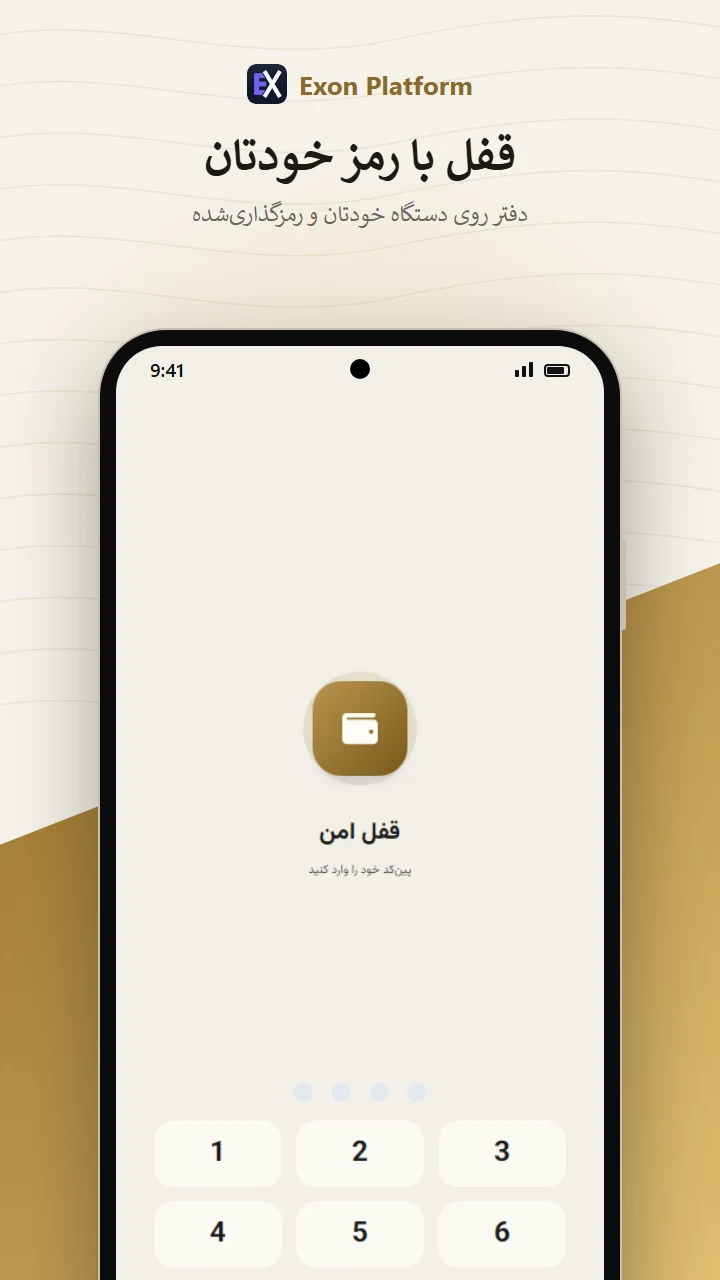
Encrypted on the deviceرمزدار روی دستگاه
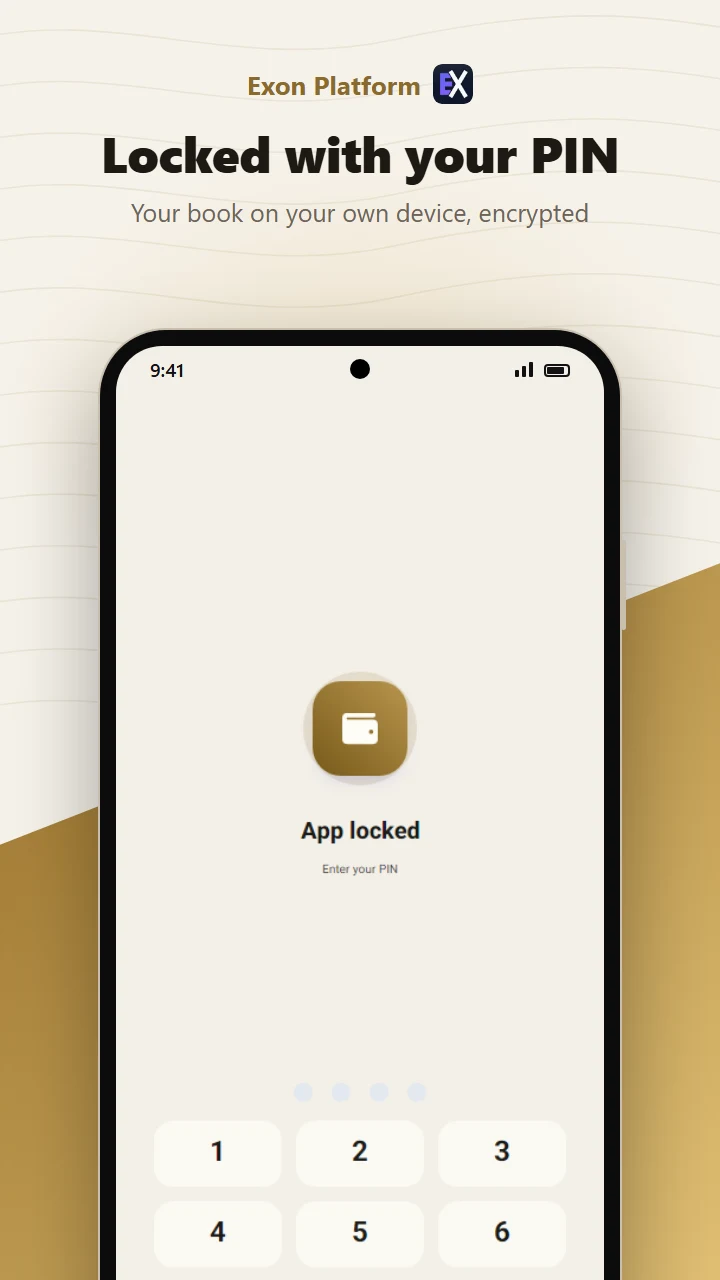
The book is a SQLCipher database locked with a key derived from your password. A
copied file is ciphertext, not a customer list.دفتر یک دیتابیس SQLCipher است که با کلیدی از رمز شما قفل میشود. فایلِ کپیشده
متن رمزشده است، نه فهرست مشتریان.
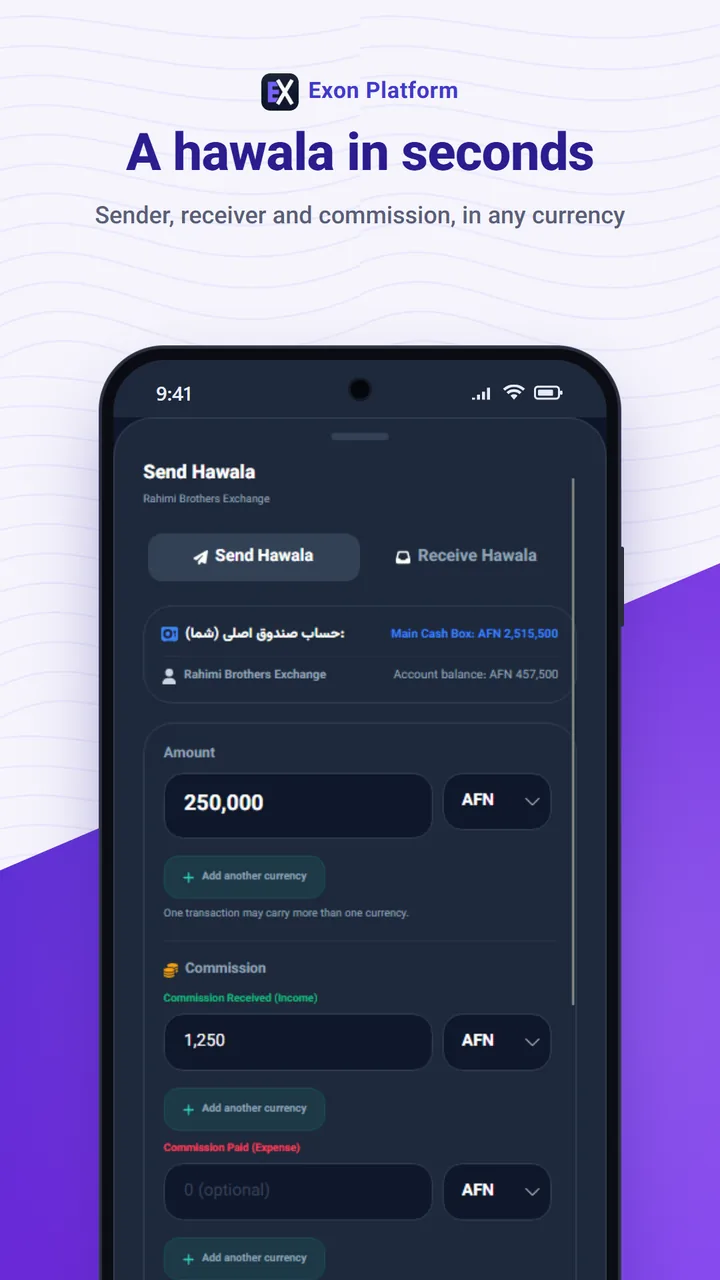
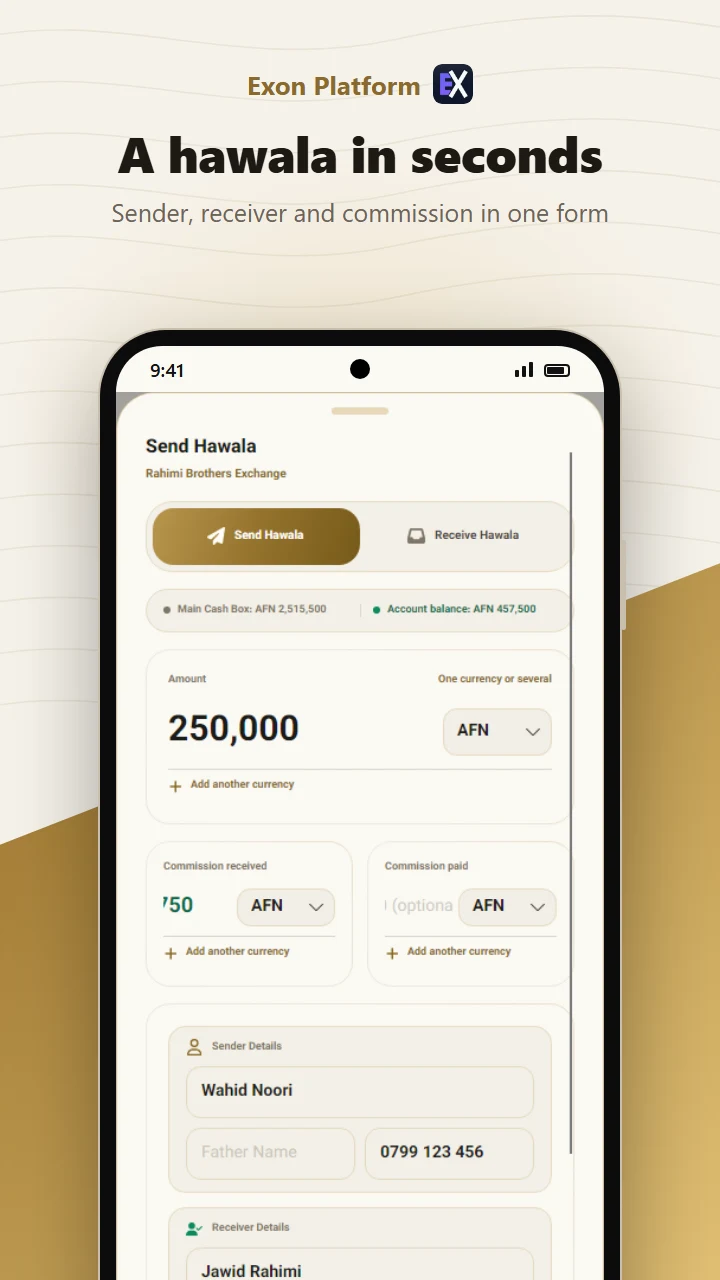
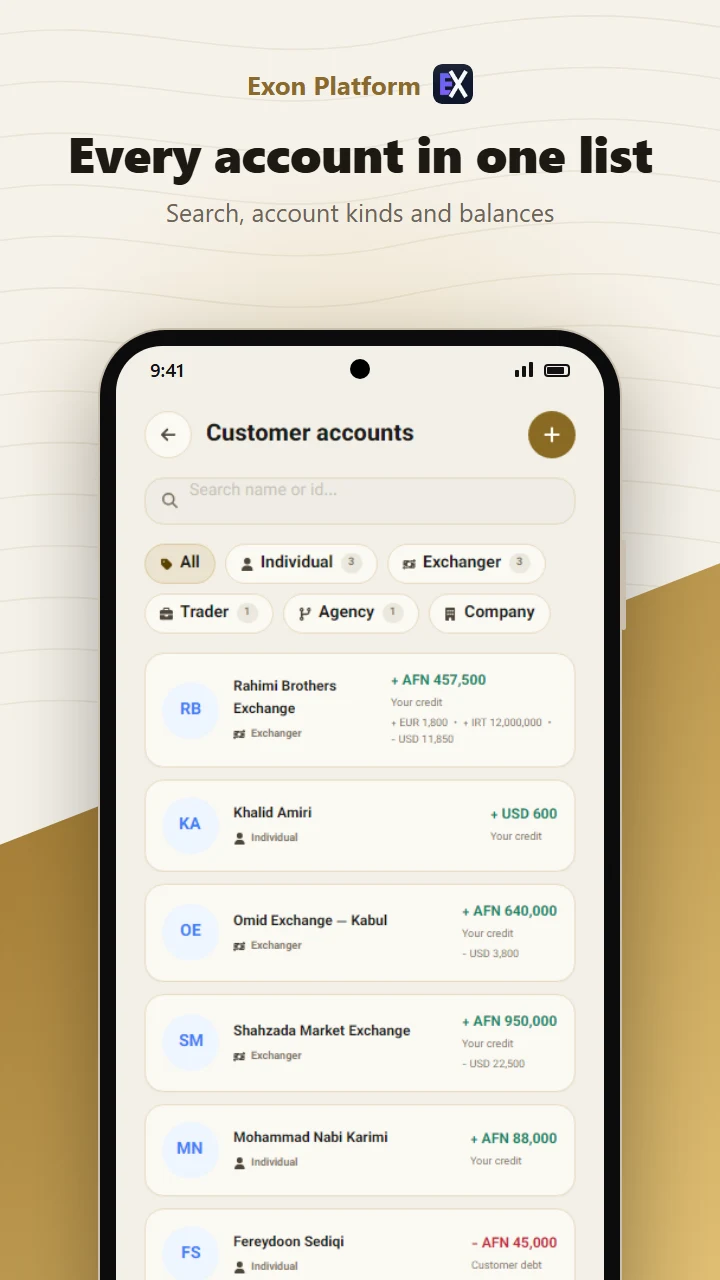
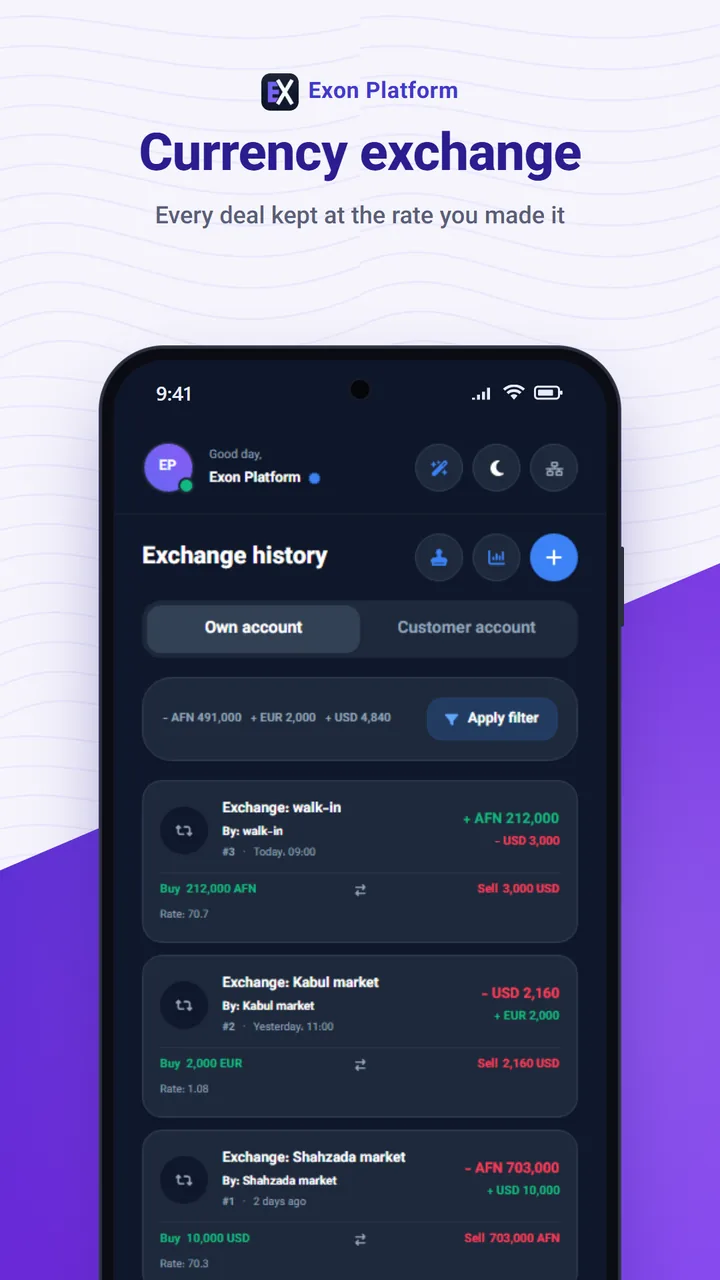
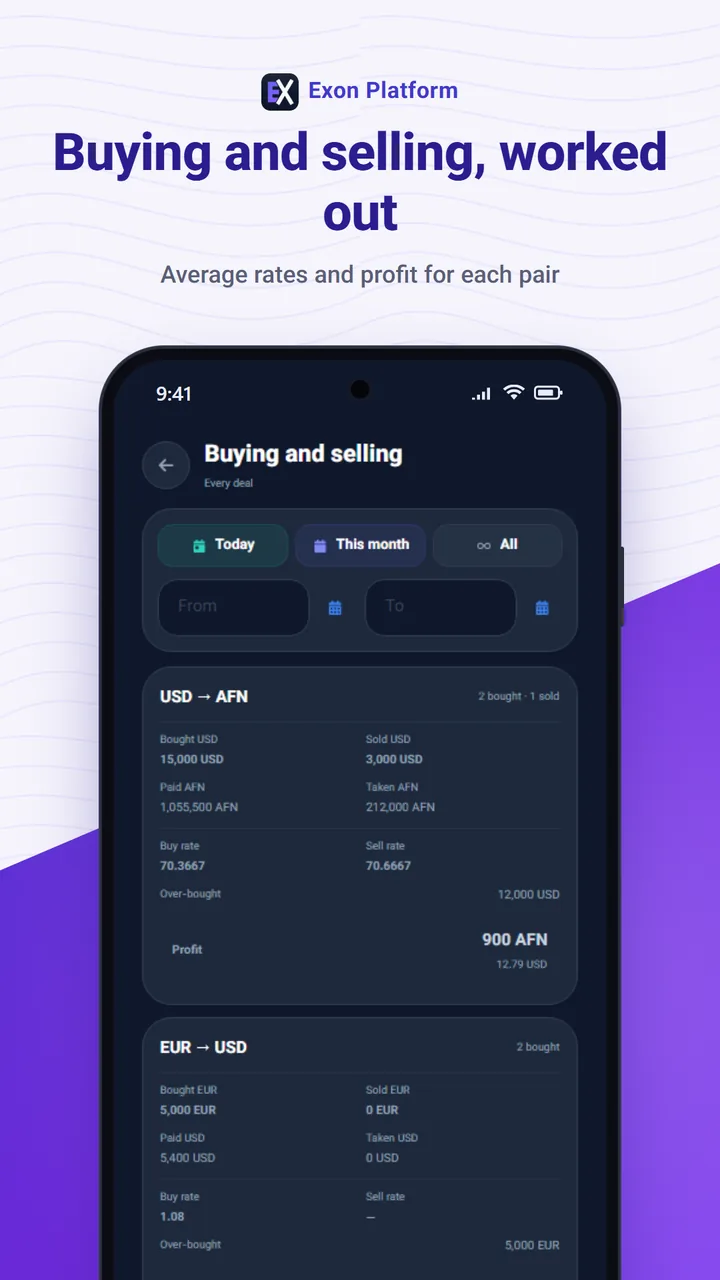
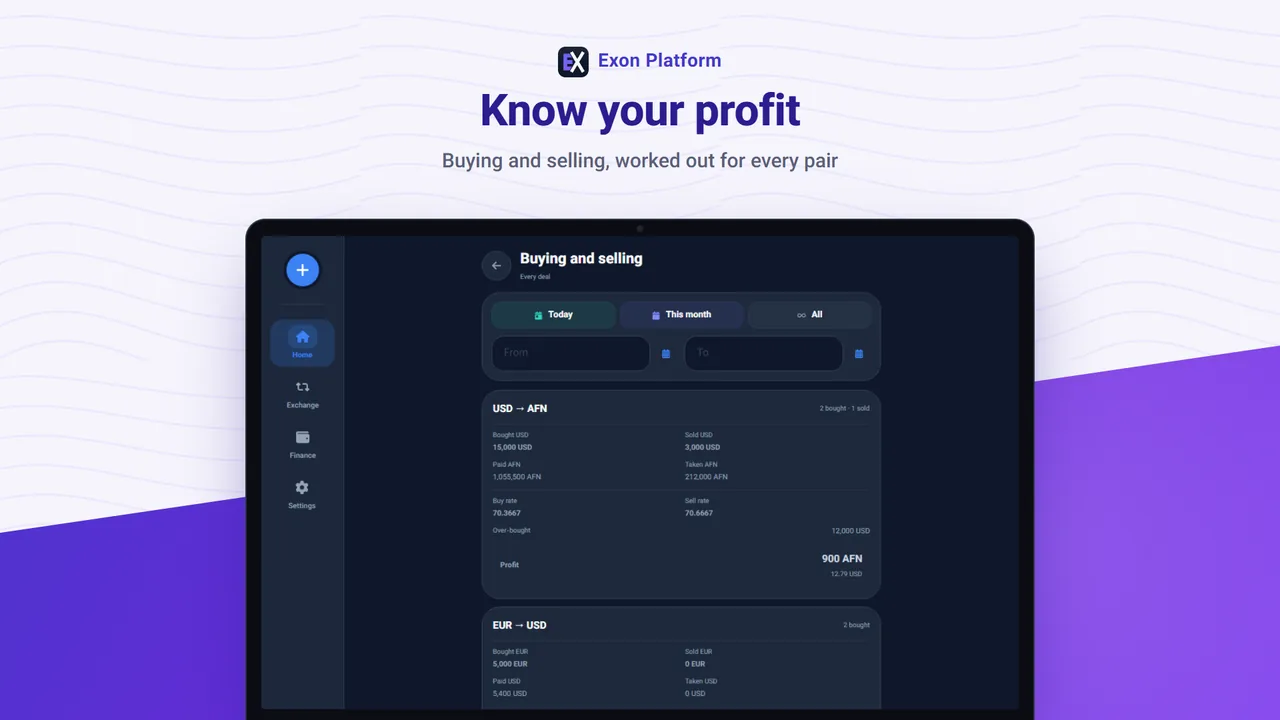
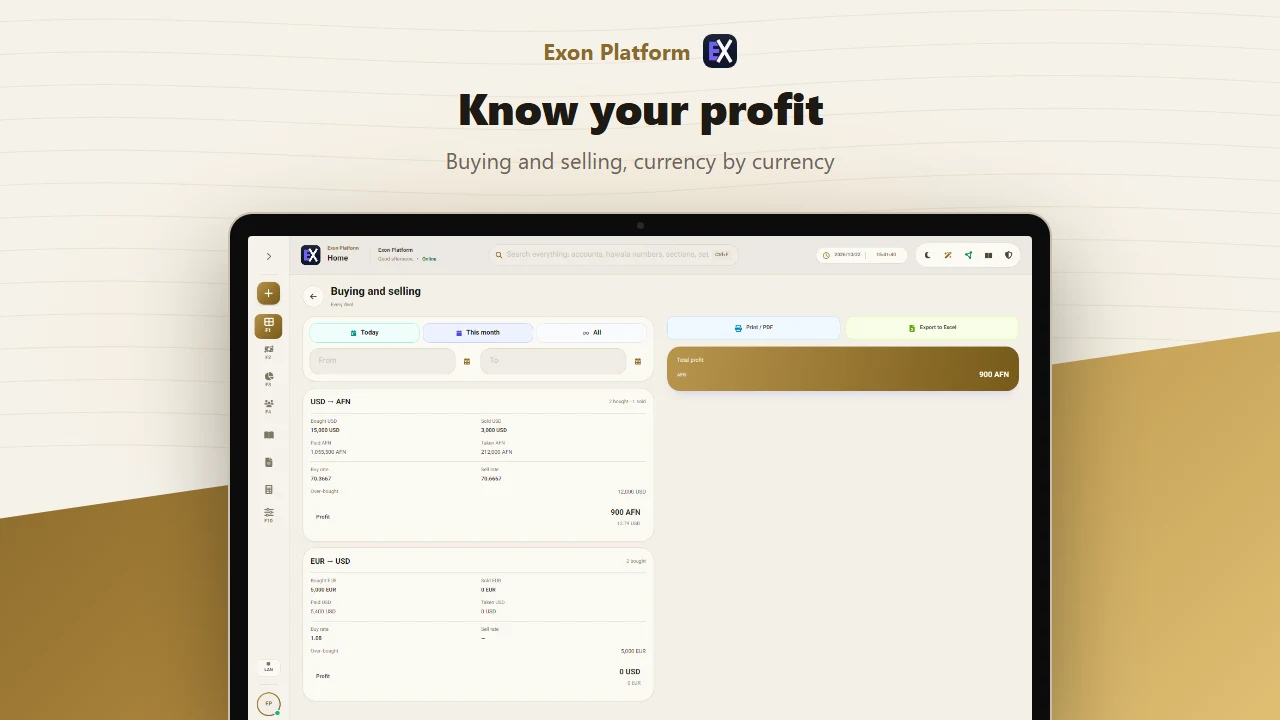
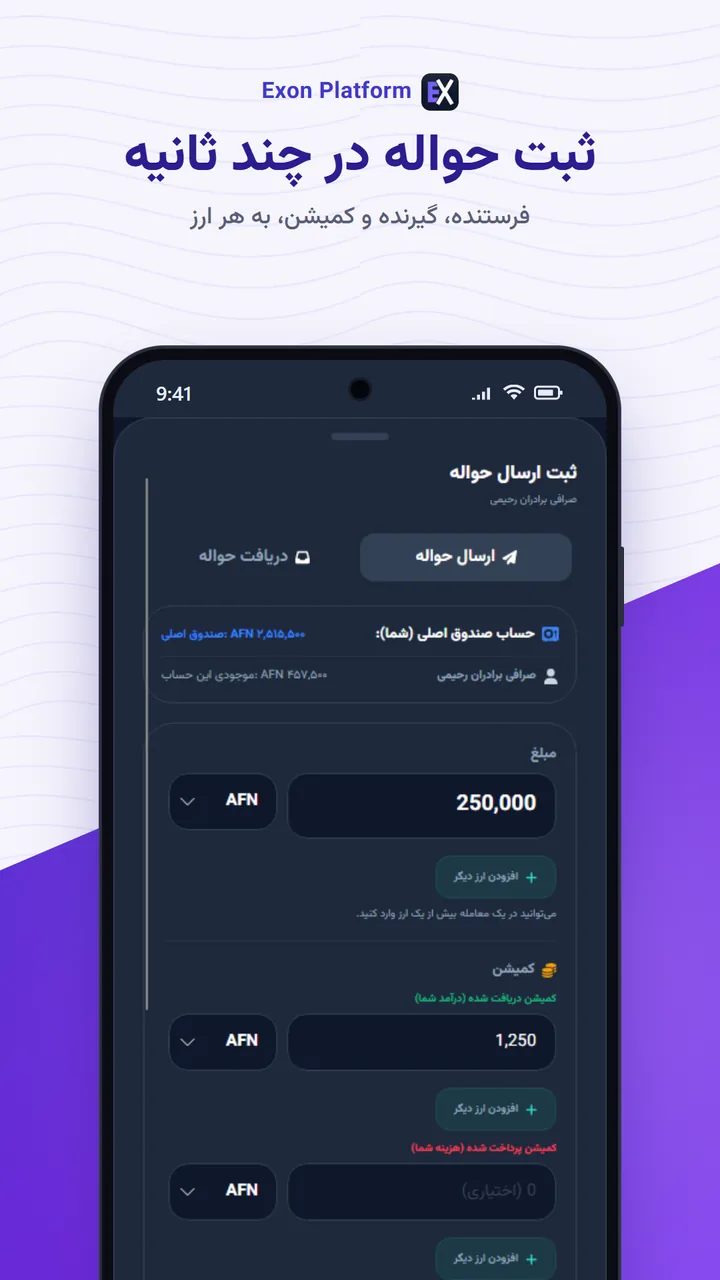
Several currencies in one dealچند ارز در یک معامله
Afghani and dollars in the same transfer, each side of the account moving
correctly, and every currency inside a document netting to zero.افغانی و دالر در یک حواله، هر طرف حساب درست جابهجا میشود و هر ارز داخل یک سند
به صفر میرسد.
Three languagesسه زبان
Persian, Pashto and English, with the Hijri Shamsi calendar and Persian digits
where they belong.فارسی، پشتو و انگلیسی، با تقویم هجری شمسی و ارقام فارسی هرجا که باید.
Windows and Androidویندوز و اندروید
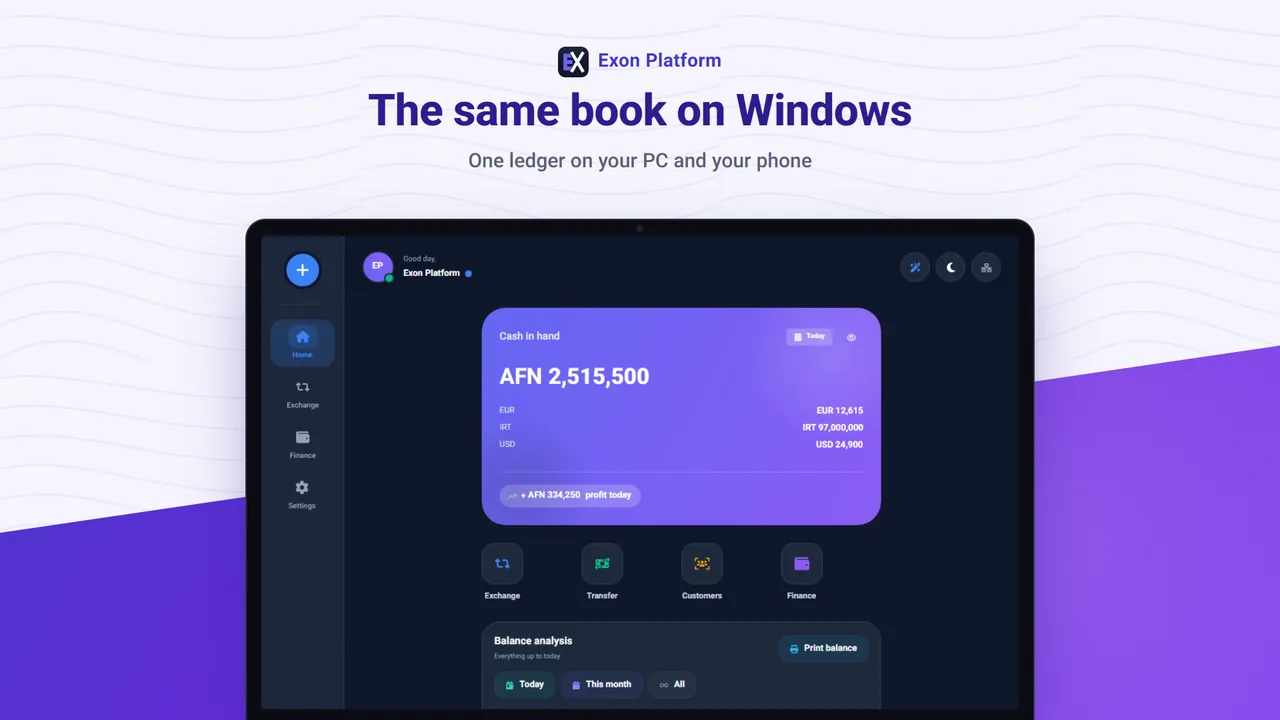
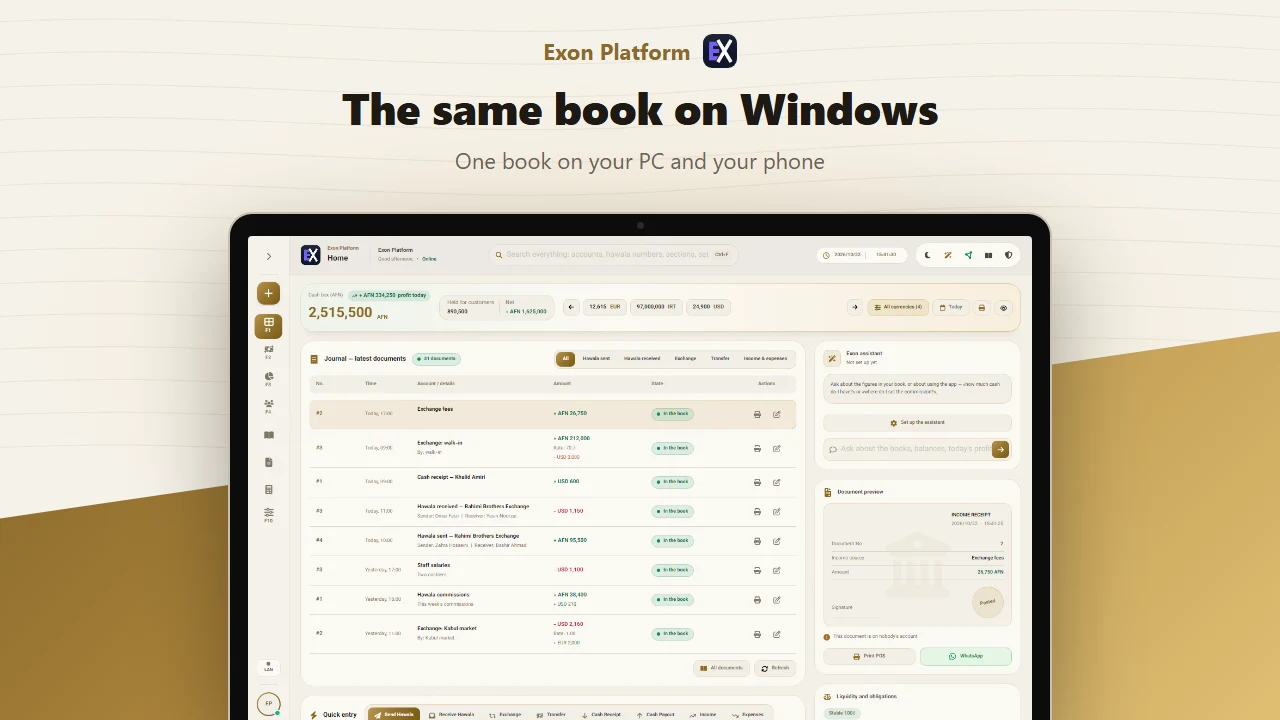
The same ledger on a desktop and a phone, syncing directly over the shop's own
network. Staff work from their own phones, with their own sign-in.یک دفتر روی کامپیوتر و گوشی، که مستقیم روی شبکهٔ خود دکان همگام میشوند.
کارمندان از گوشی خودشان و با ورود خودشان کار میکنند.
Your backups, yoursبکاپها مال خودتان
Backups stay on the device, and optionally in a folder of your own Google Drive —
encrypted before they leave.بکاپ روی دستگاه میماند و اگر بخواهید در پوشهای از گوگل درایو خودتان —
رمزشده، پیش از آنکه دستگاه را ترک کند.
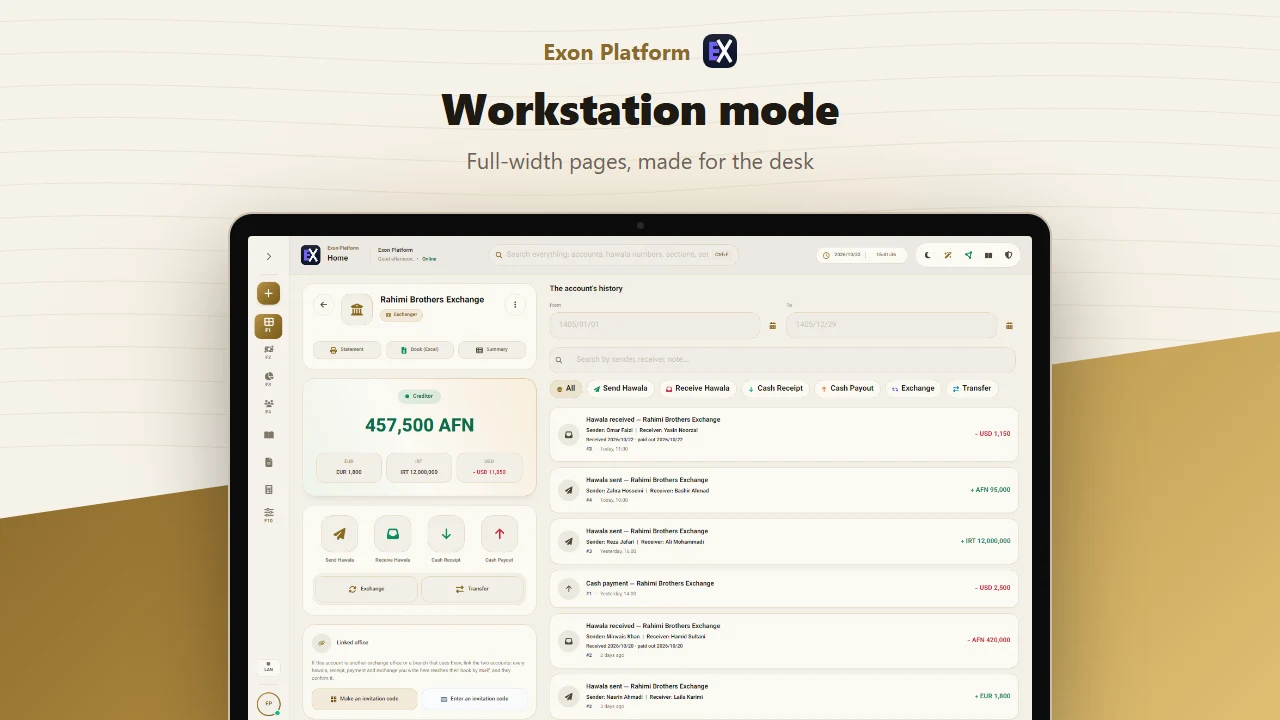
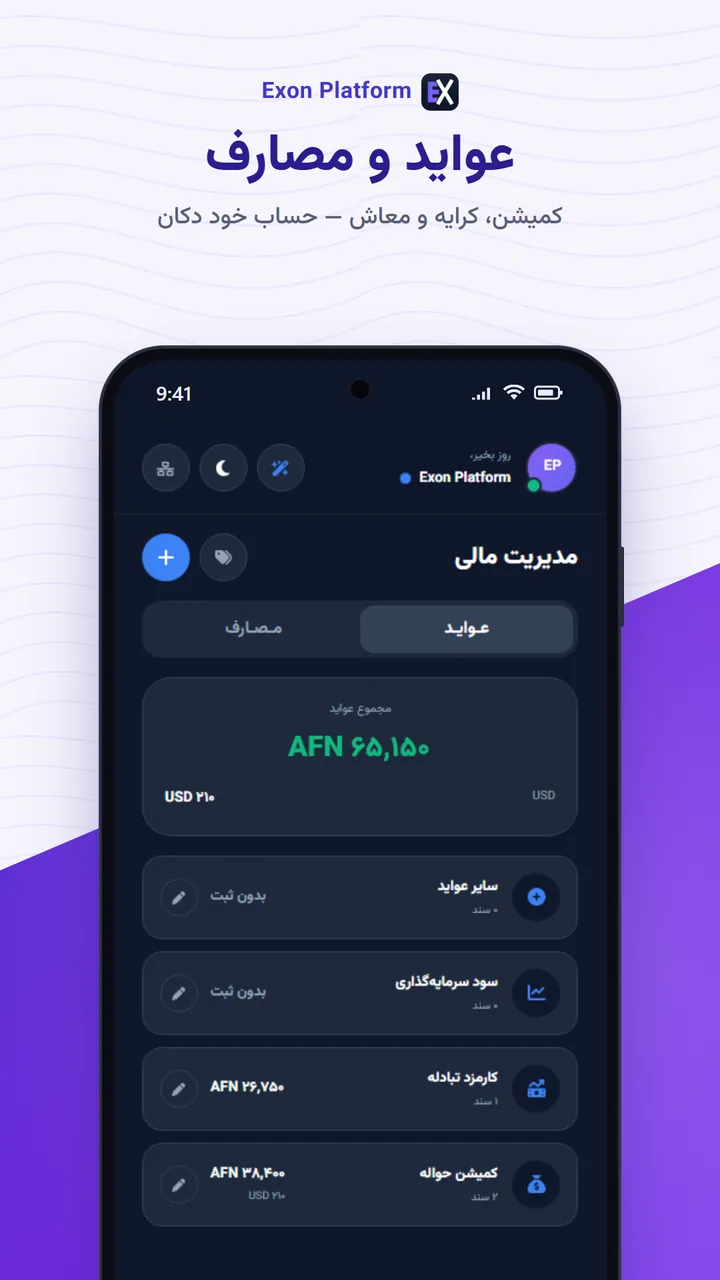
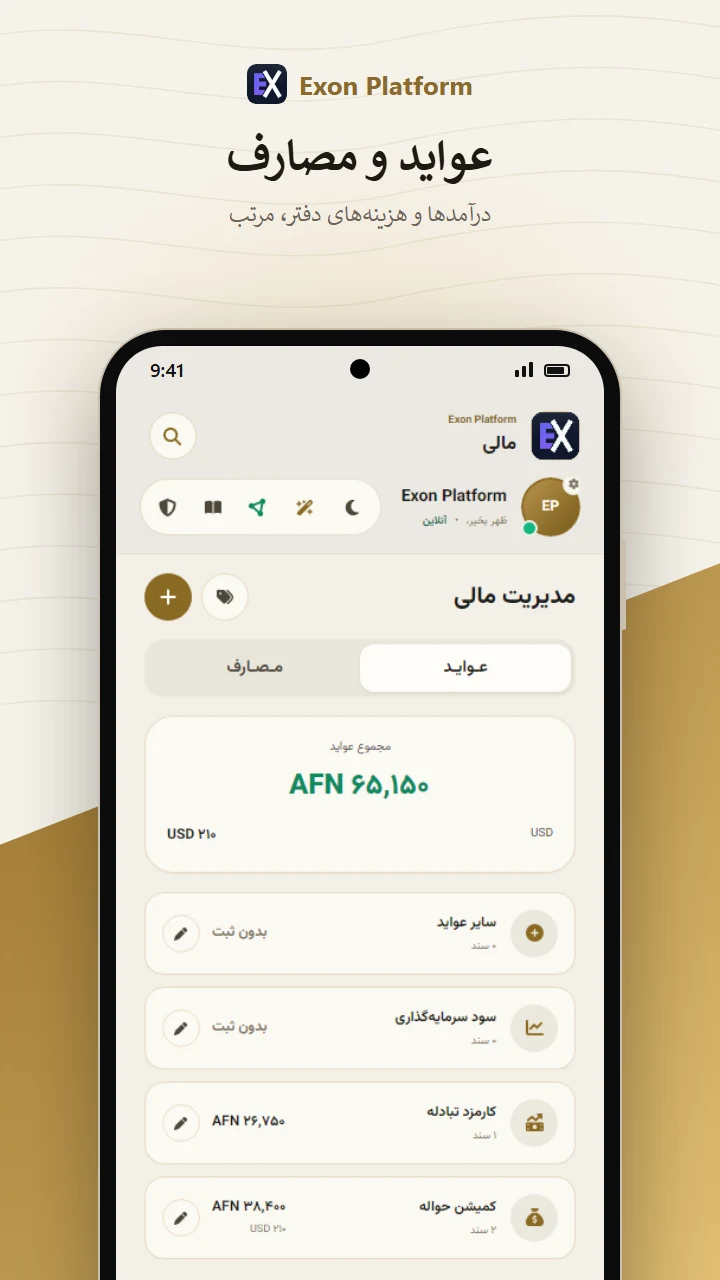
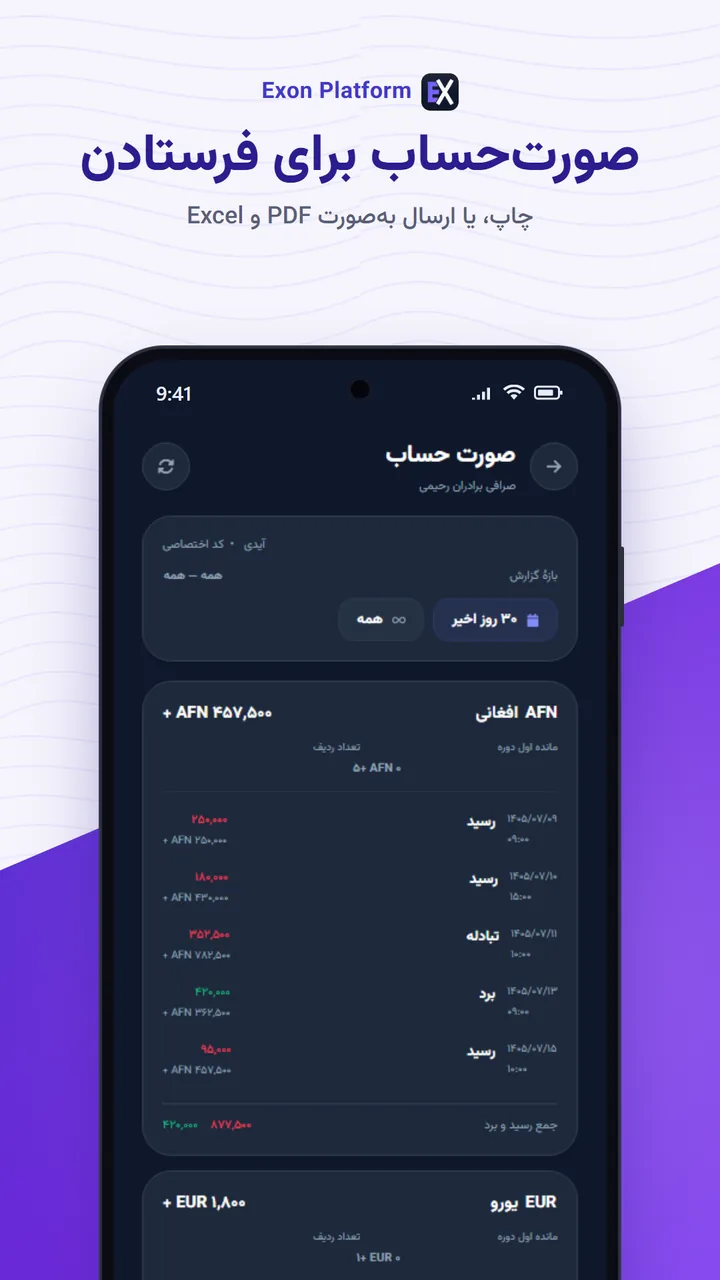
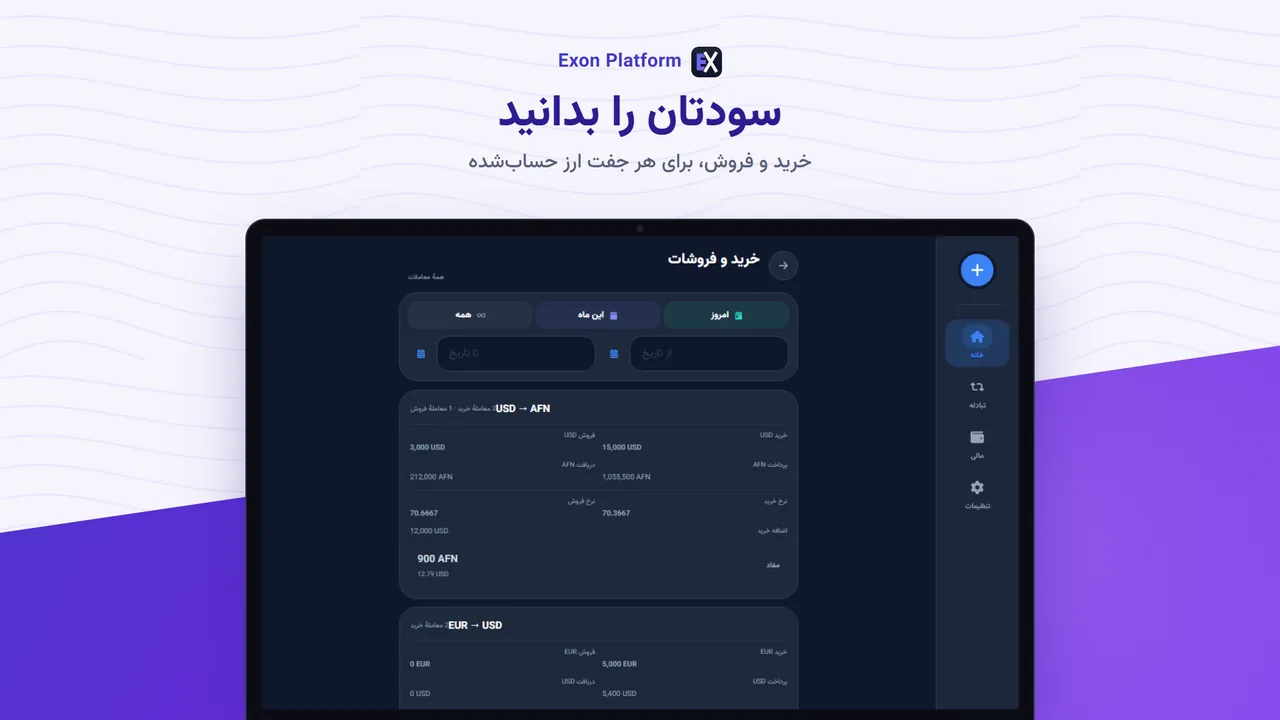
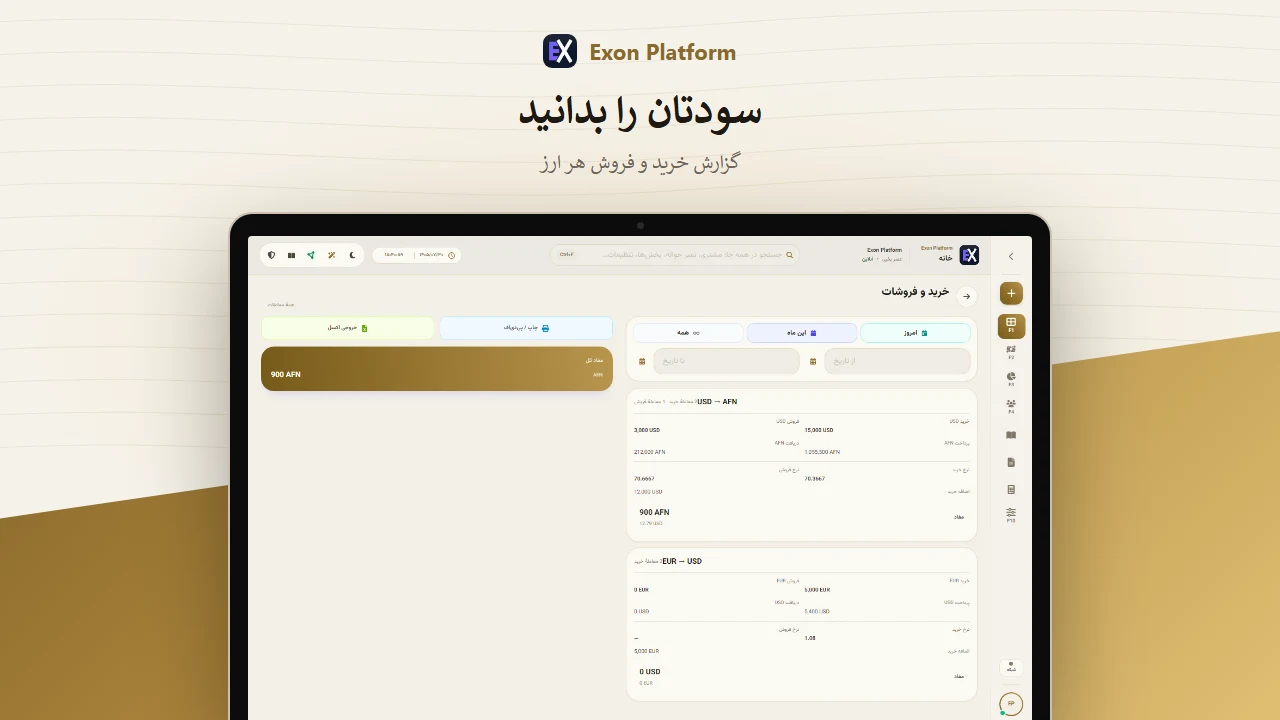
Workstation modeحالت ورک استیشن
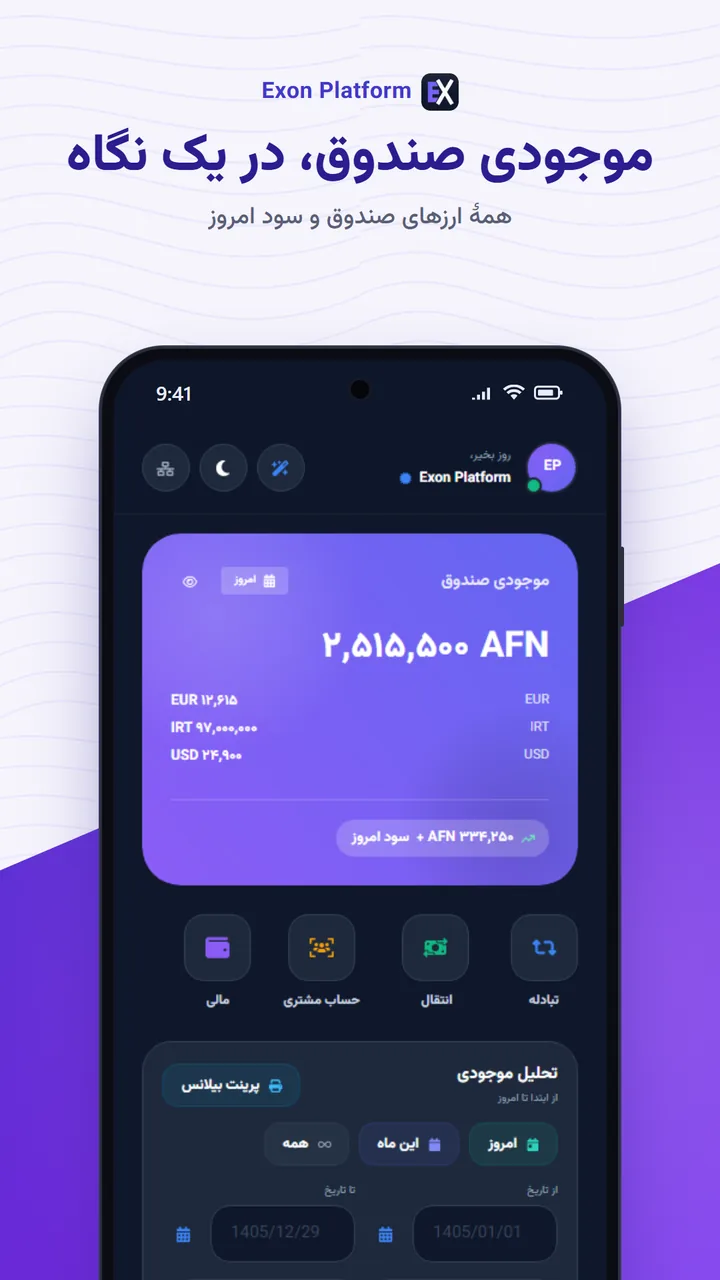
A new look, light and dark: a side rail and full-width pages on a PC, a bottom bar
on a phone. The simple look is still there, in Settings.ظاهر تازه، روشن و تاریک: منوی کنار صفحه و صفحههای پهن روی کامپیوتر، و نوار پایین
روی گوشی. ظاهر ساده هم در تنظیمات هست.
Linked with another officeلینک با دفتر دیگر
Two offices that both use Exon link an account: every hawala and receipt one
writes reaches the other's book by itself, to be confirmed there — sealed between the two.حساب دو دفتری که هر دو اکسون دارند به هم وصل میشود: هر حواله و رسیدی که یکی ثبت
میکند، خودش به دفتر دیگر میرسد و آنجا تأیید میشود؛ مهرومومشده میان دو دفتر.
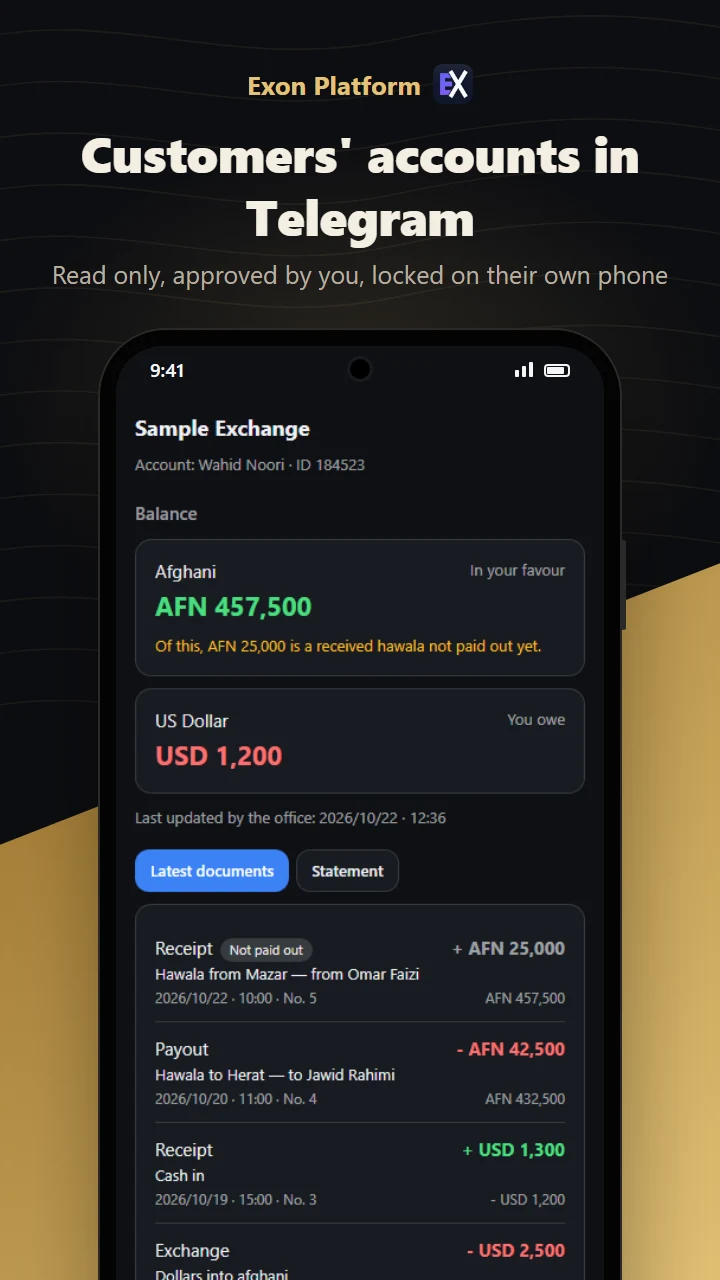
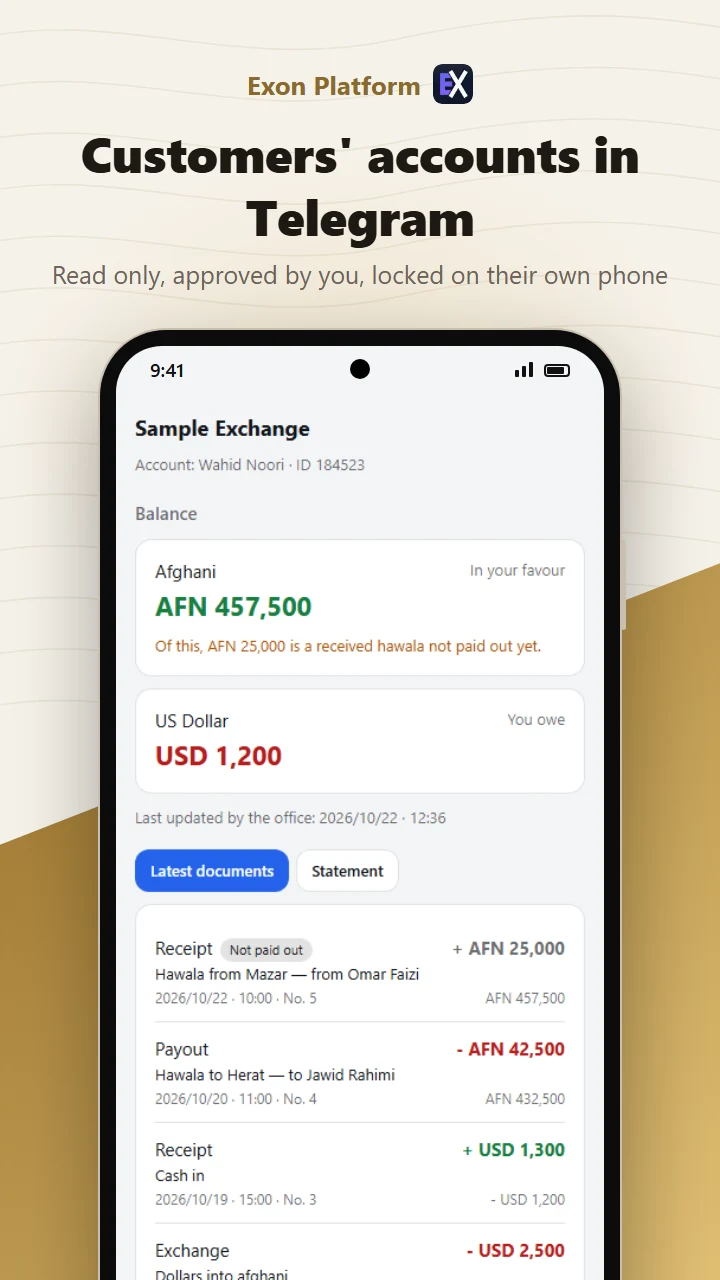
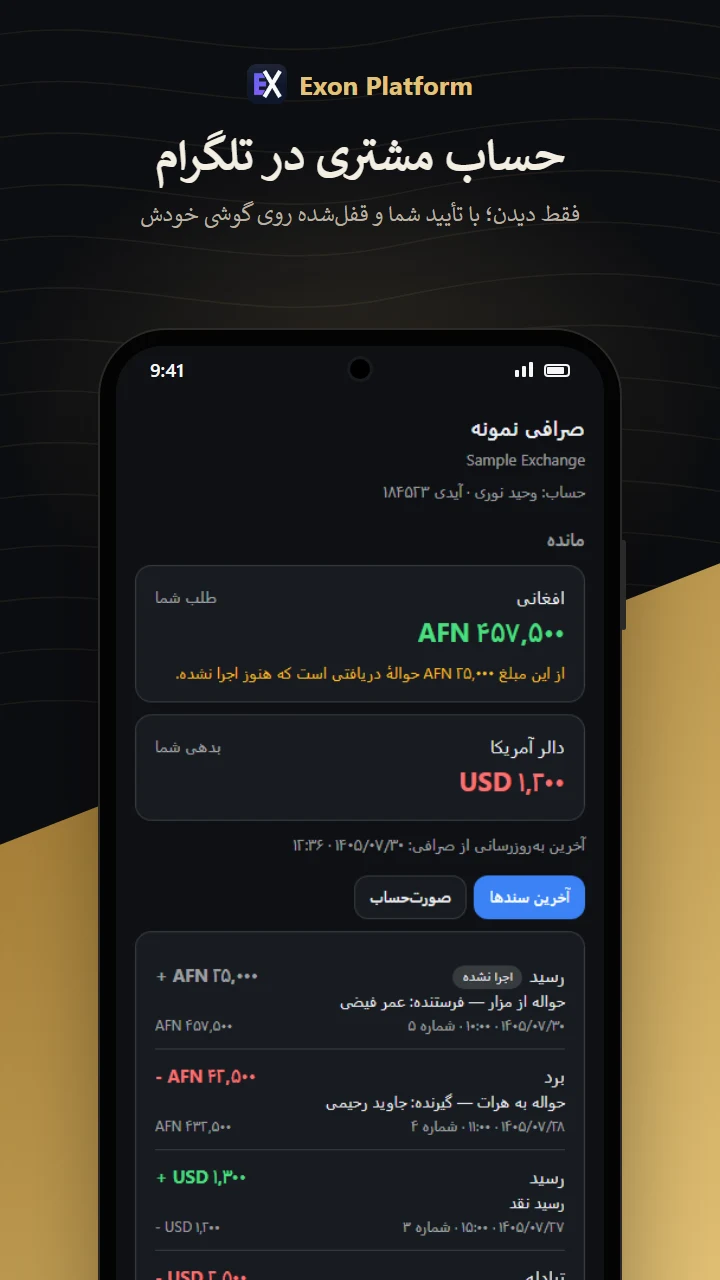
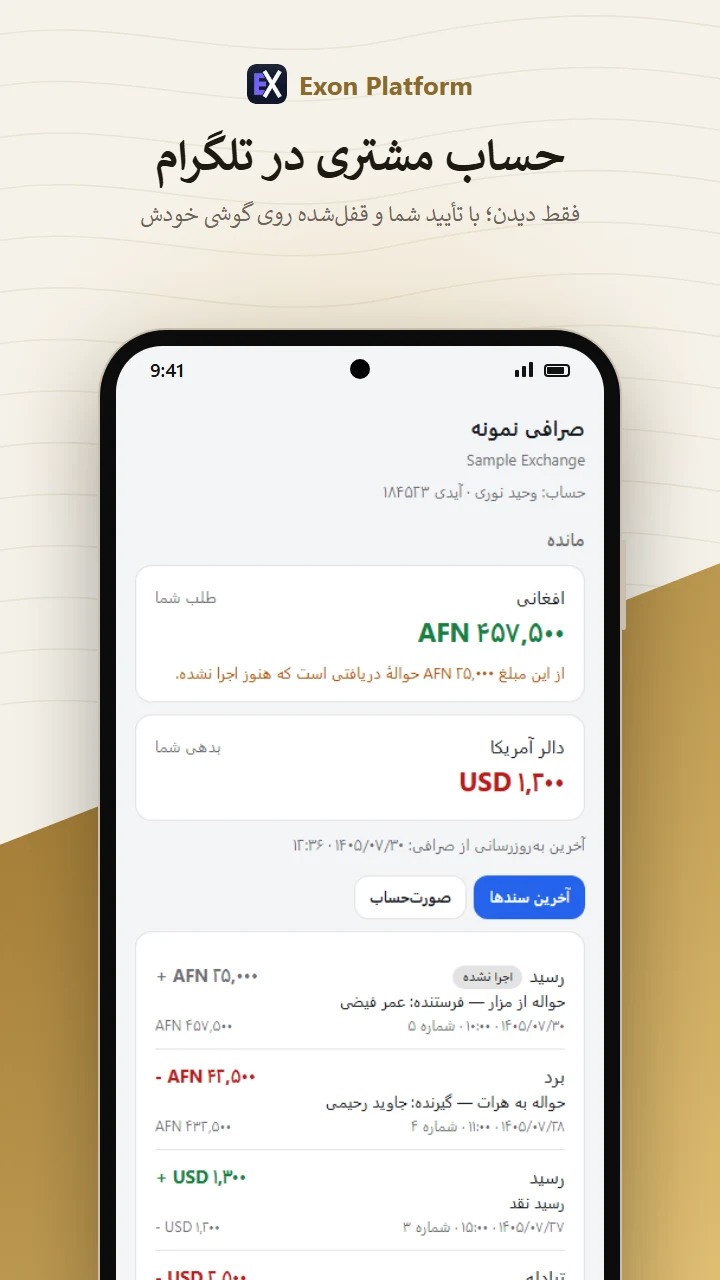
Customers' accounts in Telegramحساب مشتری در تلگرام
With one QR code, a customer sees their own account in Exon's bot — read only,
approved by you, locked on their own phone.مشتری با یک QR حساب خودش را در ربات اکسون میبیند؛ فقط دیدن، با تأیید شما و قفلشده
روی گوشی خودش.
A look insideنگاهی به داخل
New in 1.5.3تازه در ۱.۵.۳
Your customers see their account in Telegram.مشتریها حساب خودشان را در تلگرام میبینند.
No account to make and nothing to install: on a customer's account page the office
makes a QR code, the customer scans it with the phone's camera, and their account opens in the
@Exonplatformbot bot — balance, documents and statement, to read only. The office compares a
six-digit number on the customer's phone and confirms it, and can take the access back at any time. The account
opens on the customer's own phone: our server keeps a locked copy it cannot read, and the bot's messages carry no
amounts. A customer without Telegram opens the same page with a plain link in a browser. Only the book's owner
switches it on, with its own terms to accept. Part of Pro.نه حسابی برای ساختن، نه چیزی برای نصب: صراف روی صفحهٔ حساب مشتری یک QR میسازد،
مشتری آن را با دوربین گوشی میزند و حسابش در ربات @Exonplatformbot باز میشود — مانده، سندها و
صورتحساب، فقط برای دیدن. صراف عدد ششرقمی روی گوشی مشتری را مقایسه و تأیید میکند و هر وقت بخواهد دسترسی را
برمیدارد. حساب روی گوشی خود مشتری باز میشود: سرور ما نسخهٔ قفلشدهای نگه میدارد که نمیتواند بخواند، و
پیامهای ربات هیچ مبلغی ندارند. مشتری بیتلگرام همان صفحه را با یک لینک ساده در مرورگر باز میکند. فقط صاحب دفتر
این بخش را روشن میکند، با شرایط جداگانهاش. جزو نسخهٔ Pro.
Only the files it makes. Encrypted first.فقط فایلهایی که خودش میسازد. اول رمزشده.
Connecting Google is optional and off until you turn it on. When you do, the app asks
only for permission to see and manage the files it creates itself in your Drive — never the
rest of it. What it uploads is already encrypted with your book password, so the copy in your Drive cannot be
read by Google, by us, or by anyone who does not have that password. That also means that if you forget it,
the cloud copy cannot be opened either.اتصال گوگل اختیاری است و تا خودتان روشنش نکنید خاموش میماند. وقتی روشن کنید، اپ
فقط اجازهٔ دیدن و مدیریت فایلهایی را میخواهد که خودش میسازد — نه بقیهٔ درایو شما. آنچه
بالا میرود از پیش با رمز دفترتان رمز شده، پس نسخهٔ داخل درایو نه برای گوگل خواناست، نه برای ما، نه برای
کسی که آن رمز را ندارد. و همین یعنی اگر رمز را فراموش کنید، نسخهٔ ابری هم باز نمیشود.